eSIM for iPhone: Complete Setup Guide & Best Travel Plans
Apr 22,2026 | Milo
If you've traveled internationally in the last few years, you know the drill. Land at the airport. Hunt for a SIM card kiosk. Hope they speak your language. Pay too much. Fumble with that tiny tray and tinier card. Wonder if you'll lose your home SIM somewhere in your bag.
eSIM changes all of that.
I've set up dozens of eSIMs on iPhones at this point. For myself, for family members panicking before trips, for friends who didn't realize their phone could do this. The process is genuinely simple once you understand it. And the benefits for travelers? Hard to overstate.
This guide covers everything. What eSIM actually is. Which iPhones support it. How to check if yours does. Step-by-step setup instructions. Common questions. And yeah, I'll talk about ByteSIM because they've solved a lot of the friction points that make travel connectivity annoying.
Let's get into it.
What is an eSIM for iPhone?
An eSIM is a digital SIM. Embedded directly into your iPhone. No plastic card. No tray. No tiny piece of metal you're terrified of dropping into a sewer grate.
The "e" stands for embedded. Apple builds the eSIM chip right into the iPhone hardware. It does everything a physical SIM does—connects you to cellular networks, stores your plan information, authenticates your device—but it's all digital. You activate it through a QR code or carrier app. Takes minutes. No store visit required. No waiting for a card in the mail.
Think of it as a virtual SIM that lives permanently inside your phone. You can add plans to it, remove them, switch between them. All through Settings. The hardware never changes. Just the profiles loaded onto it.
For travelers especially, this is huge. Land in a new country, scan a code, have data. That simple.
How Does eSIM Work on iPhone?
The eSIM chip is soldered onto your iPhone's logic board during manufacturing. It's not going anywhere. What changes is the cellular profile loaded onto it.
When you purchase an eSIM plan—from ByteSIM, from a carrier, from whoever—they send you activation credentials. Usually a QR code. Sometimes a manual activation code. Your iPhone scans that code, downloads the carrier profile over WiFi, and provisions the eSIM remotely.
Remote provisioning is the technical term. Basically means the carrier can set up your cellular connection without touching your phone. The profile downloads. The eSIM authenticates with the network. You're connected.
The whole thing happens digitally. No physical exchange. No store employees. Just your iPhone talking to carrier servers and configuring itself. Pretty elegant when you think about it.
eSIM vs Physical SIM: Key Differences
Here's how they stack up:
No physical card needed. eSIM is built into your iPhone. Nothing to insert, remove, or lose in the bottom of your backpack.
Instant activation. Physical SIMs require shipping or store pickup. eSIM activates in minutes through a QR code scan.
Multiple profiles stored. Your iPhone can hold 8+ eSIM profiles. Switch between them in Settings. Physical SIM? One card, one plan.
Can't be lost or stolen separately. If someone grabs your physical SIM, they have your number. eSIM stays embedded in the phone itself.
Better security overall. Digital profiles are encrypted. Remote deactivation works if the phone is stolen.
More environmentally friendly. No plastic cards. No packaging. No shipping fuel. Small thing, but it adds up across millions of users.
Physical SIMs aren't going away entirely. But for travel especially, eSIM wins on basically every metric.
Which iPhone Models Support eSIM?
Apple introduced eSIM support in 2018. Every iPhone released since then includes it, with some regional exceptions I'll mention.
2018:
- iPhone XS
- iPhone XS Max
- iPhone XR
2019:
- iPhone 11
- iPhone 11 Pro
- iPhone 11 Pro Max
2020:
- iPhone SE (2nd generation)
- iPhone 12 mini
- iPhone 12
- iPhone 12 Pro
- iPhone 12 Pro Max
2021:
- iPhone 13 mini
- iPhone 13
- iPhone 13 Pro
- iPhone 13 Pro Max
2022:
- iPhone SE (3rd generation)
- iPhone 14
- iPhone 14 Plus
- iPhone 14 Pro
- iPhone 14 Pro Max
2023:
- iPhone 15
- iPhone 15 Plus
- iPhone 15 Pro
- iPhone 15 Pro Max
2024:
- iPhone 16
- iPhone 16 Plus
- iPhone 16 Pro
- iPhone 16 Pro Max
2025:
- iPhone 17
- iPhone 17 Air
- iPhone 17 Pro
- iPhone 17 Pro Max
Important regional note: iPhones purchased in mainland China, Hong Kong (most models), and Macao generally don't support eSIM. Dual physical SIM instead. If you bought your iPhone in these regions, eSIM likely won't work. Check your specific model.
iPhone 14, 15, 16, 17: eSIM-Only Models
Here's something that catches people off guard. iPhone 14 and all newer models sold in the United States have no physical SIM tray. None. eSIM only.
Apple removed the tray entirely for US models starting with iPhone 14 in 2022. If you bought your iPhone 14, 15, 16, or 17 in America, you physically cannot use a traditional SIM card. There's nowhere to put it.
The iPhone 17 Air takes this further. It's eSIM-only worldwide. Every market. No physical SIM option regardless of where you purchase.
What this means for users: you need to understand eSIM. It's not optional anymore. The good news? Once you use it, you probably won't miss the physical card anyway. Instant activation beats hunting for SIM kiosks every time.
For travelers, eSIM-only is actually ideal. You're not juggling cards. You're not worrying about losing your home SIM abroad. Everything lives digitally on the device.
Benefits of Using eSIM on iPhone
eSIM technology genuinely improves the iPhone experience. Not in a marketing-speak way. In a practical, everyday way. Especially if you travel internationally or manage multiple phone numbers.
Here's what actually matters:
1. Instant Activation & Setup
No carrier store visits. No waiting for mail delivery. No hoping the airport kiosk is open when your flight lands at 11pm.
You purchase an eSIM plan online. You receive a QR code via email. You scan it. You're connected. The whole process takes maybe five minutes. Often less.
ByteSIM sends QR codes instantly after purchase. I've bought plans while sitting at the departure gate and had them installed before boarding. That kind of flexibility matters when travel plans shift unexpectedly.
For business travelers especially, this removes a friction point. You don't need to plan connectivity days in advance. Need data in a new country tomorrow? Handled in minutes tonight.
2. Dual SIM Capability
Your iPhone can run two cellular lines simultaneously. This is underrated.
With older eSIM-compatible iPhones (XR through 12 series), you can use one physical SIM plus one eSIM together. Two numbers, one phone.
iPhone 13 and newer support dual eSIM without any physical card. Two digital profiles active at once.
Why does this matter? Separate work and personal numbers on one device. Keep your home number active for calls and texts while using a travel eSIM for data abroad. Run a local number in a country you visit frequently without giving up your primary line.
I use this constantly when traveling. My US number stays active for texts and calls. ByteSIM handles data. No forwarding. No missed messages. Both lines just work.
3. Perfect for International Travel
This is where eSIM really shines.
Traditional international travel connectivity: Land at airport. Find SIM vendor. Navigate language barriers. Pay inflated tourist prices. Swap SIM cards. Hope you don't lose your home SIM. Repeat in every country.
eSIM travel connectivity: Buy plan before departure. Scan QR code. Land with data working automatically. Keep home number active throughout.
No airport kiosk hunting. No expensive carrier roaming charges. No fumbling with tiny cards in immigration lines.
You can purchase plans before leaving home. Research options calmly. Compare prices. Have everything ready before you board.
ByteSIM covers 200+ countries and regions. I've used them across Europe, Asia, and North America without issues. The coverage is legitimately global.
4. Enhanced Security
Physical SIM cards can be removed. That's a security problem.
If someone steals your phone, they can pop out your SIM, put it in another device, and potentially intercept calls and texts meant for you. SIM swap attacks work this way too—criminals convince carriers to transfer your number to a SIM they control.
eSIM can't be physically removed. It's embedded in the hardware. If your phone is stolen, the eSIM goes with it. Remote deactivation through Find My iPhone works. The digital profiles are encrypted.
Not saying eSIM is perfectly secure. Nothing is. But it eliminates several attack vectors that physical SIMs create.
5. Multiple eSIM Storage
Your iPhone stores 8 or more eSIM profiles. Only one or two can be active simultaneously, depending on model. But you can keep the others saved.
Why this matters for frequent travelers: Visit Japan regularly? Keep that Japan eSIM profile stored. Next trip, just reactivate it in Settings. No re-downloading. No new QR code needed.
I have profiles saved for countries I visit repeatedly. Takes seconds to switch when I return. Much better than repurchasing and reinstalling every time.
Settings > Cellular shows all your stored eSIM profiles. Tap to switch. Simple management.
6. Environmentally Friendly
Smaller benefit but worth mentioning. Every eSIM activation is one less plastic SIM card manufactured. One less cardboard package shipped. One less vehicle delivering that package.
Multiply by millions of travelers and it adds up. No physical shipping required for digital activation. Aligns with reducing travel's environmental impact generally.
Not the primary reason to use eSIM. But a nice side effect.
ByteSIM eSIM for iPhone: Your Perfect Travel Companion
They're designed specifically for international travelers using iPhones and Android devices. Coverage across 200+ countries. Instant activation. Competitive pricing compared to carrier roaming or airport SIM cards.
Here's the relevant breakdown:
Why Choose ByteSIM for Your iPhone?
Compatible with all eSIM-enabled iPhones. XR/XS (2018) through current models. Both eSIM-only and hybrid SIM iPhones.
Instant QR code delivery. Email arrives within minutes of purchase. No waiting days for activation codes.
Coverage in 200+ countries and regions. Not just major destinations. Smaller countries and island nations included.
Competitive data plans. Unlimited options available for heavy users. Standard plans for casual use. Priced well below typical carrier international roaming.
5G and LTE high-speed connectivity. Where networks support it, you get fast speeds. Not throttled to 3G like some cheaper options.
Major carrier partnerships. T-Mobile, AT&T, Rogers, Verizon, and others depending on region.
No ID or passport required. Some eSIM providers require identity verification. ByteSIM doesn't. Purchase with email address. Receive QR code. Done.
24/7 customer support via WhatsApp. Actually responsive in my experience. Helpful when troubleshooting connection issues abroad.
Hotspot and tethering supported. Share your data with laptop or travel companions. Some eSIM providers block this.
ByteSIM Coverage & Network Partners
Global coverage means different things to different providers. ByteSIM legitimately covers most places travelers actually go.
Regional plans available for common travel patterns: USA plans, Europe multi-country plans, Asia packages, Global plans for multi-region trips.
In each destination, ByteSIM connects to premium local carriers. You're not on some third-rate network with spotty coverage. In the US, that means T-Mobile or AT&T towers. In Europe, major carriers in each country. In Asia, similarly established networks.
5G speeds where available. Rural areas fall back to LTE. Both work fine for typical travel needs.
Tourist areas and major cities have reliable coverage in my experience. Got good signal across Western Europe, Japan, Thailand, and the US without dead zones that mattered.
ByteSIM Data Plans for iPhone Users
Plan variety covers most travel scenarios:
Data-only plans. Most common for travel. You're not making local calls. You need WhatsApp, maps, email, and browsing. Data-only handles all of that.
Unlimited data options. Heavy users who don't want to monitor usage. Typically includes high-speed allocation (say 1-2GB/day) then reduced speeds after. Still unlimited, just not always max speed.
Flexible durations. Single day plans for layovers. 7-day plans for short trips. 14 or 30-day options for longer travel.
Various data amounts. 300MB/day for light use. 1GB/day for normal use. 50GB+ buckets for extended trips. Options exist across the spectrum.
Regional vs country-specific. Europe plan covers the whole EU in one purchase. Asia plan spans multiple countries. Or buy Japan-specific if that's your only destination.
Pricing generally beats international roaming by a wide margin. Often comparable to airport SIM cards but with the convenience advantage of instant remote activation.
How to Purchase and Install ByteSIM on iPhone
Four steps. Genuinely simple.
Step 1: Visit bytesim.com. Select your destination country or region.
Step 2: Choose the data plan that fits your trip. Duration, data amount, regional vs single-country.
Step 3: Complete purchase. Email with QR code arrives instantly. Check spam folder if it doesn't appear within a few minutes.
Step 4: Scan QR code with iPhone camera. Or use ByteSIM app for one-tap installation. Follow prompts to add plan.
Step 5: Upon arrival, enable Data Roaming for your ByteSIM line. Connect to local networks automatically.
No waiting for shipping. No finding a store at your destination. No language barrier negotiations. Just purchase, install, travel.
Can I use eSIM and physical SIM simultaneously on iPhone?
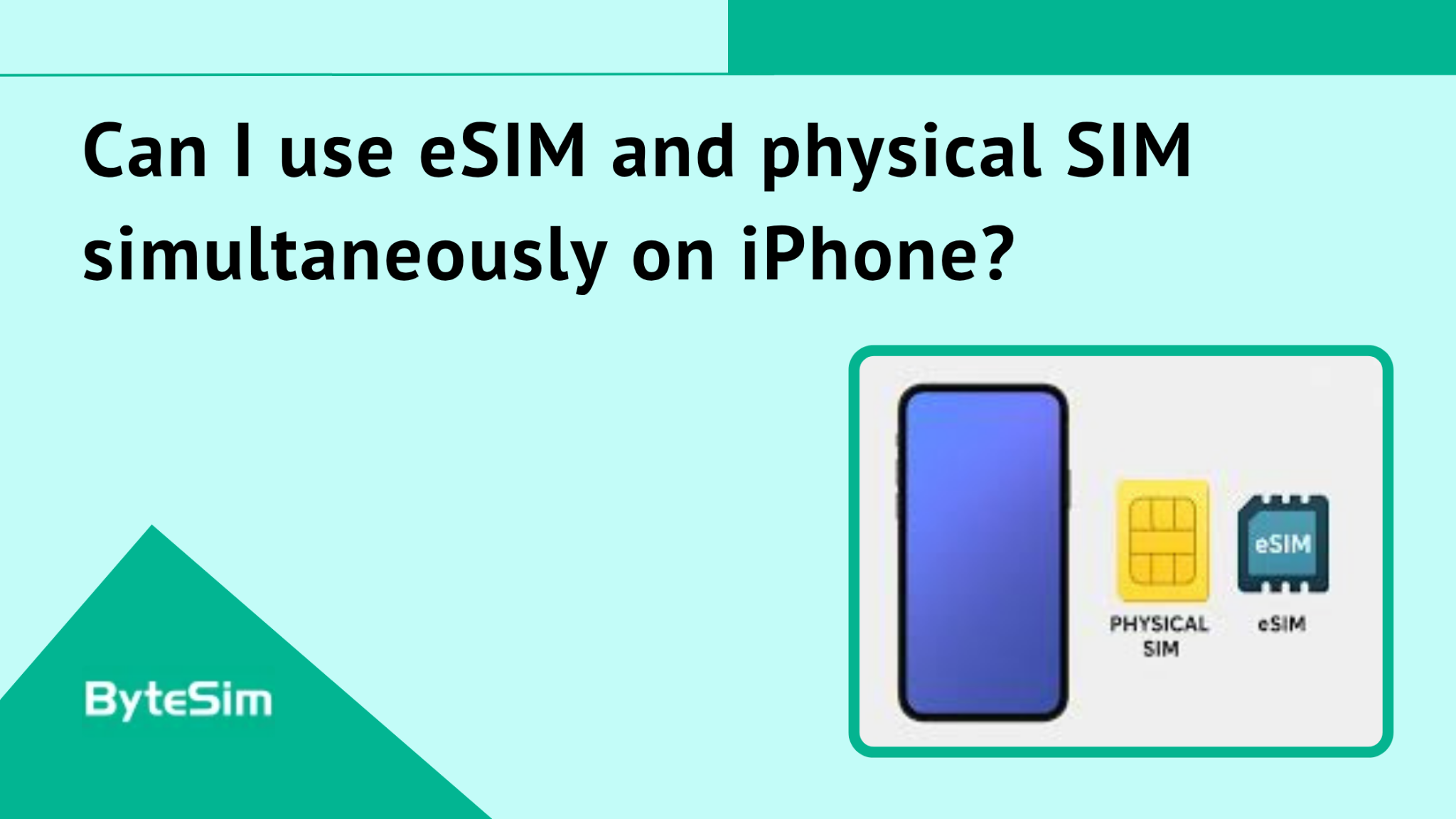
Yes. Most eSIM-compatible iPhones support Dual SIM functionality.
iPhones from XR/XS through iPhone 12 series: one physical SIM plus one eSIM active together.
iPhone 13 and newer: two eSIMs active simultaneously without needing a physical SIM at all. Or one physical plus one eSIM.
This is great for keeping home and travel lines separate. Or work and personal numbers on one device. Configure which line handles calls, which handles texts, which handles data—all in Settings > Cellular.
Do I need to remove my physical SIM to use eSIM?
No. Keep your physical SIM installed.
The Dual SIM feature runs both simultaneously. Assign your eSIM for data. Keep physical SIM for calls and texts on your home number. iPhone manages both lines automatically.
Only reasons to remove physical SIM: upgrading to an eSIM-only model (iPhone 14+ in US), or experiencing rare technical conflicts between lines. Otherwise, leave it in.
How many eSIMs can I store on my iPhone?
Eight or more eSIM profiles stored on device.
However, only 1-2 can be active simultaneously depending on model. The rest sit dormant until you activate them.
This is useful for frequent travelers. Store your Japan eSIM, your Europe eSIM, your US eSIM. When returning to a destination, just activate the stored profile. No repurchase. No new QR code. Seconds to switch.
Settings > Cellular shows all stored profiles with toggles to activate/deactivate.
Will eSIM drain my iPhone battery faster?
Not significantly. Using eSIM versus physical SIM has no meaningful battery impact.
Running Dual SIM with two active lines may have minimal additional drain. Two radios active instead of one. But we're talking marginal differences most users won't notice.
Is eSIM more expensive than physical SIM cards?
Travel eSIMs like ByteSIM are typically much cheaper than international roaming charges from your home carrier.
Compared to buying a local physical SIM at your destination? Sometimes slightly more expensive. Sometimes comparable. Depends on destination and data amount.
But consider what you're paying for: instant activation before departure, no airport kiosk hunting, no language barriers, no time wasted, no risk of losing your home SIM. That convenience has value.
If your only priority is absolute lowest cost, a local physical SIM might save a few dollars. For most travelers, the time savings and convenience make eSIM the better overall value.
Plans that may interest you
Comment