USA Roaming: How It Works, What It Costs, and What to Use Instead
Sep 20,2026 | Milo
Landing in the US and suddenly wondering whether your phone is going to work?
Usually, it will. Your regular SIM can connect to a US network through international roaming, so you can call, text, use Google Maps, book an Uber, and keep using your apps much like you do at home.
The catch is the bill.
Some mobile plans include US roaming. Others charge a daily fee, sell a roaming pass, or bill you based on how much data, calling, and texting you use. A plan that works out fine for a two-day trip can be much less attractive for a two-week road trip (in which case, you might want to look into how to choose a 2-week eSIM plan for the U.S.).
So before you fly, it is worth checking what your own plan actually covers. You can then compare that cost with a travel eSIM or a local SIM.
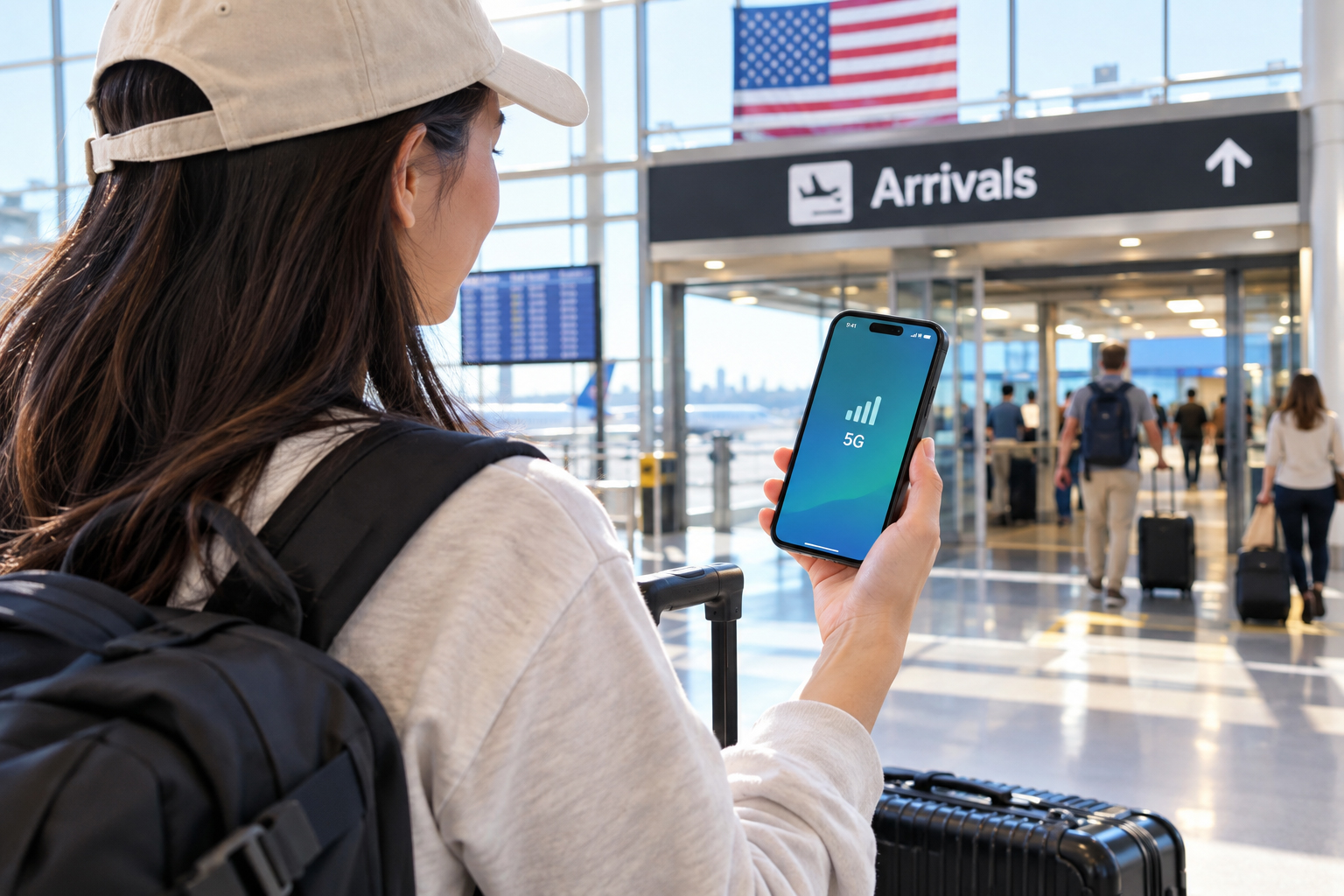
What Is USA Roaming?
USA roaming means using your normal mobile service while your phone is connected to a US network.
You do not need to buy a US SIM for that. Your home carrier has agreements with mobile networks in the US, and your phone connects to one of those networks when you arrive.
Your own SIM is still your SIM. Your home number stays the same. You are simply using a partner network abroad. That is why roaming can feel almost invisible. You land, your phone finds a network, and everything starts working.
The charges are what you need to pay attention to. Roaming is usually priced separately from your normal domestic plan, although some plans now include international roaming as part of the package.
Does Roaming Work in the USA?
For most major carriers, yes.
What you get once you arrive depends on your particular plan. One customer may have US roaming included, while another on the same carrier may be charged a daily rate.
Before your trip, check your carrier's roaming page and look for the United States specifically.
It is also worth checking whether the plan covers:
-
Mobile data
-
Incoming and outgoing calls
-
SMS
-
4G or 5G access
-
A daily or monthly data limit
A common mistake is seeing "international roaming included" and assuming that every country is covered. That is not always the case. Some plans have a long country list, some only cover selected destinations, and some charge separately for North America.
Your phone matters too. Older devices may have problems connecting to US networks, particularly if they rely on older network technology.
How Much Does Roaming in the USA Cost?
There is no single USA roaming price.
The amount you pay comes down to your carrier, your plan, and the way roaming is charged.
You will usually see one of these setups:
| Type of roaming | How you are charged | What to look out for |
|---|---|---|
| Included roaming | Covered by your existing plan | Data limits or fair-use rules |
| Daily pass | A fixed charge for each day | Costs can add up on longer trips |
| Roaming add-on | Pay for a set bundle | Check data and validity |
| Pay-as-you-go | Charged according to actual usage | Small amounts of data can become expensive |
A daily pass is easy to understand. You know roughly what one day abroad will cost.
The problem starts when the trip gets longer.
For a weekend in New York, paying for a couple of roaming days may be perfectly reasonable. For a 10-day trip around California, the same pricing model can add up quickly.
There is another issue with pay-as-you-go roaming: it is surprisingly easy to use data without realizing it.
What Can Use Mobile Data While You're in the USA?
You do not need to stream Netflix all day to use roaming data.
Your phone may be doing plenty in the background.
Google Maps can download map information. Instagram and TikTok preload videos. Email keeps syncing. Photos can upload to iCloud or Google Photos. Apps may refresh while you are waiting at the airport.
Then there are the things you actively use while traveling:
You check directions.
You book an Uber.
You look up a restaurant.
You send photos to a group chat.
You upload a few Stories.
None of those activities sounds particularly heavy on its own. Put them together over several days, though, and the data adds up.
That is one reason travelers sometimes come home to a roaming charge that is much higher than expected.
How to Avoid Unexpected USA Roaming Charges
You do not have to stop using your phone. A little preparation is usually enough.
Check your carrier before you leave
Don't wait until you are boarding the plane. Log into your provider’s app and dig up the fine print for your specific contract.
You need to look past the flashy marketing numbers. The real traps are always in the details: What actually happens when you hit your gigabyte limit — does the speed throttle to a frustrating crawl? Are you allowed to tether your iPad? And crucially, does that "24-hour pass" trigger the very second an app refreshes in the background?
When faced with a menu of travel add-ons, always do the math for your entire itinerary. A simple $5-a-day pass sounds incredibly cheap right up until you multiply it by a three-week road trip.
Turn off data roaming on your home SIM
Going the digital SIM route? This step is absolutely critical.
Thanks to dual-SIM technology, there is no need to physically remove your primary card just to get online abroad. Simply dive into your phone's cellular settings and designate the newly installed travel profile as your main internet source. Then, explicitly toggle off data roaming for your original number (barring any weird, specific instructions from your home network).
Failing to do this is how accidents happen. Flipping that switch acts as a hard block, preventing your home line from silently racking up background data charges while resting comfortably in your pocket.
Check automatic data switching
Dual-SIM phones have settings that can change which line is used for mobile data.
On iPhone, for example, Allow Mobile Data Switching can let the phone switch between lines under certain conditions.
If you are trying to keep your home SIM off roaming data, check this setting before you leave.
Watch background data
If your roaming allowance is small, turn off unnecessary background activity and automatic downloads.
You can also download maps for offline use before the trip. It will not replace mobile data completely, but it can cut down the amount you use on the road.
USA Roaming vs. Travel eSIM
This is usually the bigger question.
Not "Will roaming work?"
More like:
"Is roaming actually the best option for my trip?"
There is no universal answer.
| USA Roaming | Travel eSIM | |
|---|---|---|
| Setup | Usually very little to do | Install the eSIM |
| Home SIM | Keep using it | Can stay in the phone |
| Cost | Depends on your carrier | Usually prepaid |
| Data cost | Depends on your plan | Usually fixed in advance |
| Number | Keep your normal number | Depends on the eSIM |
| Good fit for | Short trips or included roaming | Travelers who want predictable data costs |
When roaming makes sense
Roaming is hard to beat for convenience when your existing plan already includes the US.
There is nothing new to buy. You land, connect to a network, and keep using the same service.
It can also work well for a very short trip if your carrier has a reasonably priced US roaming pass.
When an eSIM makes more sense
A travel eSIM is worth looking at when you are staying longer or expect to use quite a bit of data.
It is also useful when you do not want your roaming bill to depend on how many days you spend online.
You buy the plan ahead of time, install it on your phone, and use that line for mobile data once you arrive.
On compatible phones, you can keep your normal SIM active at the same time. That is handy when you still need your usual number for calls, texts, or verification codes.
Just remember that your home line can still generate roaming charges when you use services through it. Keeping the SIM in the phone does not automatically make roaming free.
Other Ways to Get Connected in the USA
A travel eSIM is not the only alternative to roaming.
Local SIM
Planning to stick around for a few weeks? Grabbing a prepaid US carrier card makes a lot of sense, especially if renting a car or ordering food delivery requires a genuine +1 local number.
The trade-off is the sheer hassle. Instead of enjoying your first day, you are tracking down a mobile store and jumping through activation hoops. And if your device lacks dual-SIM capabilities, you will have to physically eject and safely stash your tiny home SIM somewhere it won't get lost.
Pocket Wi-Fi
If you are traveling as a couple, wrangling a family, or moving in a pack, a portable Wi-Fi router is a solid group hack. A single hub keeps everyone's laptops, iPads, and phones connected simultaneously.
But there is a catch. It adds yet another battery to your daily charging checklist. Plus, lugging a warm, chunky device in your pocket all day isn't exactly the ultimate travel dream for most people.
Public Wi-Fi
Sure, you can bounce between Starbucks and hotel lobbies to save some megabytes. Pinning your entire trip on free networks, however, is playing with fire.
Picture stepping out of a busy terminal with your luggage, desperately scanning for a free hotspot just to hail a ride. Or worse, missing a crucial turn on a desert highway because your map dropped offline. Free Wi-Fi is fantastic as a safety net. As your sole strategy? Not so much.
How to Use an eSIM in the USA
Skipping the dreaded mobile shop queue at arrivals is probably the biggest perk here. The digital setup is wonderfully straightforward.
1. Verify your phone is eSIM-ready (and unlocked)
Before you hit "buy" on any plan, you have two quick hardware checks. First, your device must be unlocked; otherwise, it will block any third-party carrier.
Second, it actually needs a digital SIM chip inside. While nearly all modern iPhones and current flagship Androids have this built-in, doing a quick Google search of your specific exact model beforehand saves a lot of potential headaches.
2. Install the eSIM before your flight
Many travel eSIMs can be installed while you are still at home.
That is useful because your normal SIM can remain in place, and you do not have to find a phone shop after landing.
3. Set the eSIM as your mobile data line
Once you arrive, select the travel eSIM for mobile data.
On an iPhone, this is under:
Settings → Cellular / Mobile Data → Mobile Data
The wording can be slightly different depending on your iOS version and region.
4. Check data roaming for the eSIM
This part catches people out.
Some travel eSIMs need Data Roaming turned on because the eSIM connects through a partner network.
That does not mean your home SIM has to use roaming data.
Think of the two lines separately:
Home SIM: keep roaming data off if you are trying to avoid carrier charges.
Travel eSIM: follow the eSIM provider's instructions, which may require roaming data to be on.
Using ByteSIM for a Trip to the USA
If your home carrier charges a daily roaming fee, or your plan does not include enough US data, a travel eSIM is another way to stay connected.
ByteSIM offers travel eSIM plans for the USA that you can purchase and install digitally before your trip.
The basic setup is simple:
Buy the eSIM → Install it → Arrive in the USA → Select it for mobile data
You can keep your regular SIM in the phone on compatible dual-SIM devices, which is useful if you still need your normal number.
Skip daily roaming charges with a prepaid USA eSIM. Install it before your trip and use it for mobile data as soon as you land.
View USA eSIM→
Before buying any travel eSIM, check the plan's coverage, data allowance, validity period, and hotspot rules. The cheapest-looking plan is not necessarily the right one if you are going to use a lot of data.
FAQ
Is USA roaming free?
Not always. Some mobile plans include US roaming, while others charge a daily rate, require a roaming pass, or bill you based on usage.
There is no standard price. It depends on your carrier, your plan, the type of roaming package you use, and how long you stay.
Should I turn off data roaming in the USA?
If you are using your home SIM for roaming, follow your carrier's instructions.
If you are using a travel eSIM, you will generally want the travel eSIM to handle your mobile data. Keep data roaming off on your home line if you are trying to avoid accidental roaming charges, unless your carrier says otherwise.
Can I use an eSIM instead of roaming?
Yes. A travel eSIM can provide mobile data in the US without relying on your home carrier's roaming service.
On a compatible phone, you can usually keep your regular SIM active while using the eSIM for data.
Can I keep my normal phone number with a USA eSIM?
Yes, on phones that support dual SIM.
Your home SIM can remain active for your normal number while the travel eSIM handles mobile data. Calls, texts, or other activity through your home carrier may still be charged as roaming, depending on your plan.
What is the cheapest way to use mobile data in the USA?
It depends on your carrier and the length of your trip.
For someone with US roaming already included, using the existing plan may be the simplest option. For someone paying a daily roaming fee, a travel eSIM or local SIM may cost less.
The easiest way to compare is to look at the total cost for the whole trip, not just the price per day.
Final Thoughts
USA roaming is convenient. You keep your normal SIM, your normal number, and usually do not have to think much about the setup.
The question is what that convenience costs.
For a short trip with roaming already included, there may be no reason to change anything. For a longer stay, a daily roaming charge can become harder to justify, especially if you use a lot of mobile data.
A travel eSIM gives you another option: buy your data before the trip, install it on your phone, and use it when you arrive.
Whichever route you choose, check the roaming terms before you board the plane. That is usually the difference between "my phone worked perfectly in the US" and "why is my mobile bill so high?"
Comment