Cómo administrar tu eSIM y el uso de datos con aplicaciones móviles mientras viajas
Apr 10,2026 | Milo
Viajar con un eSIM es una de esas mejoras que no aprecia completamente hasta que la prueba. Olvídese de buscar tarjetas SIM locales o cambiar pequeños chips de plástico en el aeropuerto. Aterriza, activa su plan y está en línea. Sin embargo, incluso con un eSIM, los datos pueden desaparecer rápidamente si no prestas atención. Los mapas, los videos y las aplicaciones en segundo plano pueden consumir tus datos silenciosamente. Por suerte, no tienes que estresarte por eso. Con algunos hábitos inteligentes, puedes mantenerte conectado, evitar cargos adicionales y hacer que tus datos duren todo el viaje.
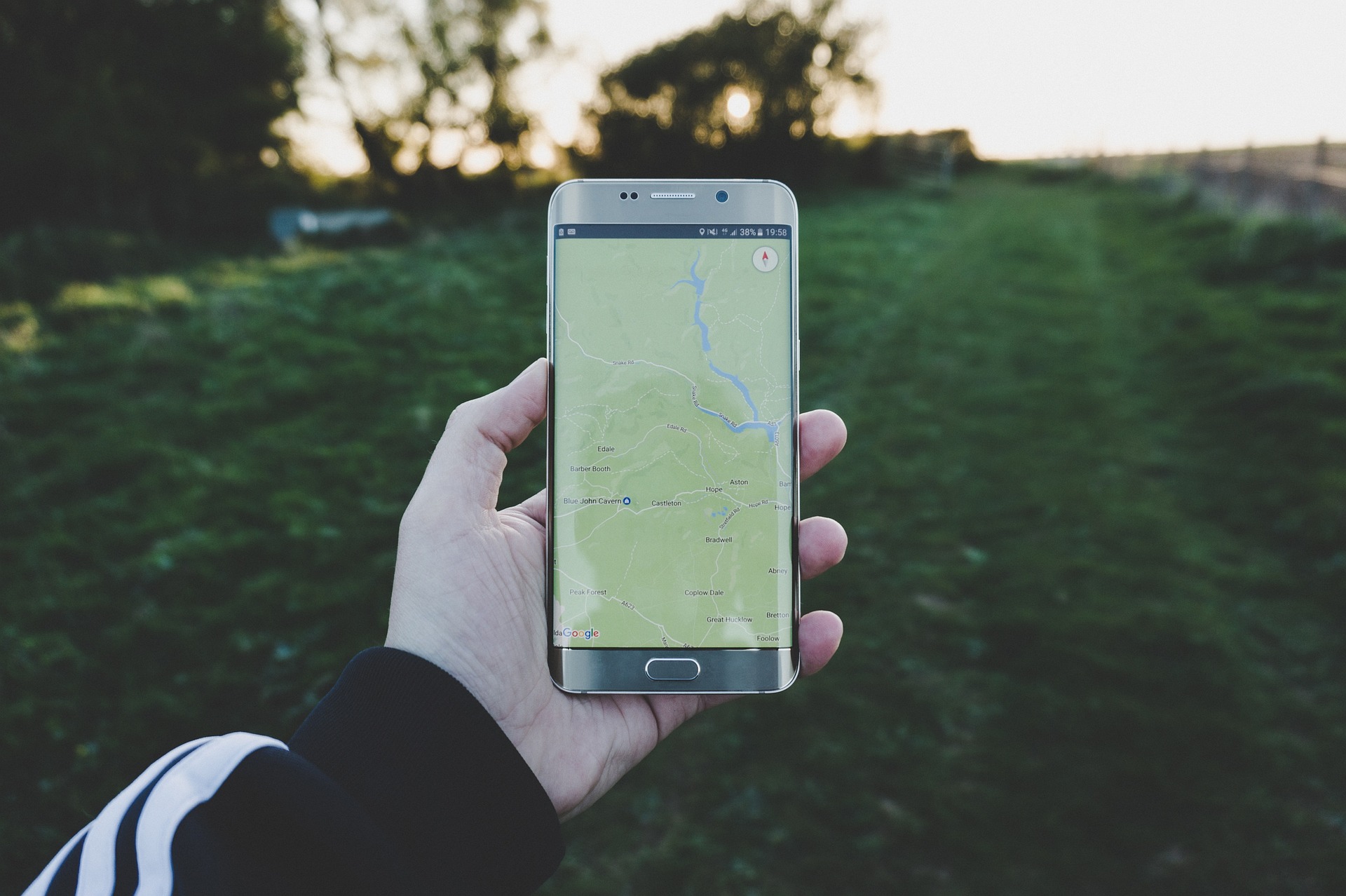
Usa las herramientas integradas para controlar tus datos
Antes de descargar cualquier cosa adicional, comienza con lo que tu teléfono ya te ofrece. Tanto los dispositivos iPhone como Android tienen funciones de seguimiento de datos integradas que muestran cuántos datos estás usando y qué aplicaciones son responsables de ello. Esta es tu primera línea de defensa. Revisa tu uso de datos diariamente, especialmente durante los primeros días de tu viaje. Es entonces cuando la mayoría de las personas agotan accidentalmente su plan. Rápidamente notarás patrones. Tal vez los mapas estén bien. Sin embargo, las redes sociales están agotando tus datos. O las aplicaciones de video son el verdadero problema. Por lo tanto, puedes ajustar tu comportamiento sin adivinar.
Descarga aplicaciones de administración de datos para un mejor control
Si deseas información más detallada, hay aplicaciones diseñadas específicamente para ayudarte a monitorear y administrar tu uso de una aplicación móvil. Estas aplicaciones pueden:
- Mostrar el consumo de datos en tiempo real
- Enviar alertas cuando estés cerca de tu límite
- Desglosar el uso por aplicación o actividad
Algunas incluso pronostican cuánto tiempo durarán tus datos según tu uso actual. Eso es increíblemente útil cuando intentas hacer que un plan limitado dure varios días. En lugar de preocuparte constantemente, obtienes una imagen clara de dónde estás.
Cambia al modo sin conexión siempre que sea posible
Una de las formas más fáciles de ahorrar datos es simplemente no usarlos cuando no los necesitas. Muchas aplicaciones de viajes ofrecen funciones sin conexión. Solo necesitas configurarlas con anticipación. Descarga mapas antes de salir de Wi-Fi. Guarda documentos o entradas importantes. Guarda guías de viaje localmente. Google Maps te permite descargar áreas completas para usarlas sin conexión. Eso significa que puedes navegar sin usar ningún dato. Este pequeño paso puede ahorrar una cantidad sorprendente de datos con el tiempo.
Limita el uso de datos en segundo plano
Es uno de los mayores derroches de datos latentes. Hay muchas aplicaciones que siguen usando datos incluso después de que no las estés usando. Actualizan contenido, sincronizan actualizaciones y ejecutan procesos de los que ni siquiera eres consciente. Para solucionar esto, en tu configuración, desactiva los datos en segundo plano en las aplicaciones que no necesitas. Céntrate en las aplicaciones de redes sociales, correo electrónico y almacenamiento en la nube. Puedes seguir usándolas cuando las necesites. Pero no van a consumir tus datos todo el día sin avisarte.
Usa Wi-Fi estratégicamente
Incluso con un eSIM, el Wi-Fi sigue siendo tu mejor amigo. Siempre que estés en un hotel, cafetería o aeropuerto, aprovecha el Wi-Fi para realizar tareas más pesadas. Estas pueden ser actualizaciones de aplicaciones, transmisión de video o subir fotos. Esto mantiene tus datos móviles reservados para cuando realmente los necesitas. Solo asegúrate de estar usando redes seguras. Esto es especialmente importante cuando accedes a información confidencial.
Optimiza las aplicaciones de transmisión y redes sociales
La transmisión es una de las formas más rápidas de consumir tus datos. Si estás viendo videos, desplazándote por reels o escuchando música en línea, tu uso de datos puede aumentar rápidamente. La mayoría de las aplicaciones te permiten ajustar la configuración de calidad. Bajar la resolución de video o cambiar al modo de ahorro de datos puede reducir significativamente el consumo. También, considera descargar contenido con anticipación mientras estás en Wi-Fi.
Usa aplicaciones de comunicación en lugar de llamadas tradicionales
No necesariamente te cuesta más estar en contacto mientras viajas. Puedes enviar mensajes y hacer llamadas usando WhatsApp, Telegram, Skype o cualquier otra aplicación, y los datos se usan en lugar del roaming regular. Son más baratos y, en muchos casos, son de mejor calidad. Videollamadas: solo vigílalos. Pueden utilizar más allá de los mensajes o llamadas de voz normales.
Establecer límites de datos y alertas
Una de las cosas más inteligentes que puedes hacer es establecer un límite claro para ti. Muchos teléfonos y aplicaciones te permiten definir un límite de datos y recibir alertas cuando te acercas a él. Esto convierte tu uso de datos en algo que administras activamente. Incluso una simple notificación al 80% de uso puede ayudarte a reducir la velocidad y evitar quedarte sin datos por completo.
Elige aplicaciones diseñadas para la eficiencia
Algunas aplicaciones son ligeras y están optimizadas. Otras son pesadas y consumen muchos datos. Cuando sea posible, elige aplicaciones que sean conocidas por su eficiencia. Considera versiones ligeras de aplicaciones de redes sociales, navegadores con modos de ahorro de datos y aplicaciones de viajes diseñadas para entornos de bajo ancho de banda.
¡Dicho final!
No necesitas complicar la administración de tus datos eSIM cuando viajas. Combinando aplicaciones integradas, selección inteligente de aplicaciones y algunos hábitos fáciles de gestionar, puedes mantenerte conectado sin temor a quedarte sin datos en cualquier momento. Al saber cómo se utilizan tus datos, puedes controlarlos. Mantente conectado, ten el control y disfruta de un viaje sin interrupciones.
Planes que podrían interesarte

Comentario