• English
  • Español
  • Français
  • 日本語
  • 한국인
  • 中文(简体)
  • 中文(繁體)
  • 阿尔巴尼亚(USD $)
  • 爱尔兰(USD $)
  • 爱沙尼亚(USD $)
  • 安道尔(USD $)
  • 奥地利(USD $)
  • 奥兰群岛(USD $)
  • 澳大利亚(USD $)
  • 澳门特别行政区(USD $)
  • 白俄罗斯(USD $)
  • 保加利亚(USD $)
  • 比利时(USD $)
  • 冰岛(USD $)
  • 波兰(USD $)
  • 波斯尼亚和黑塞哥维那(USD $)
  • 丹麦(USD $)
  • 德国(USD $)
  • 俄罗斯(USD $)
  • 法国(USD $)
  • 法罗群岛(USD $)
  • 梵蒂冈(USD $)
  • 芬兰(USD $)
  • 格恩西岛(USD $)
  • 荷兰(USD $)
  • 黑山(USD $)
  • 加拿大(USD $)
  • 捷克共和国(USD $)
  • 克罗地亚(USD $)
  • 拉脱维亚(USD $)
  • 立陶宛(USD $)
  • 列支敦士登(USD $)
  • 卢森堡(USD $)
  • 罗马尼亚(USD $)
  • 马耳他(USD $)
  • 马其顿(USD $)
  • 曼岛(USD $)
  • 美国(USD $)
  • 摩尔多瓦(USD $)
  • 摩纳哥(USD $)
  • 挪威(USD $)
  • 葡萄牙(USD $)
  • 日本(USD $)
  • 瑞典(USD $)
  • 瑞士(USD $)
  • 塞尔维亚(USD $)
  • 塞浦路斯(USD $)
  • 圣马力诺(USD $)
  • 斯洛伐克(USD $)
  • 斯洛文尼亚(USD $)
  • 斯瓦尔巴和扬马廷(USD $)
  • 台湾地区(USD $)
  • 乌克兰(USD $)
  • 希腊(USD $)
  • 西班牙(USD $)
  • 香港特别行政区(USD $)
  • 新加坡(USD $)
  • 匈牙利(USD $)
  • 意大利(USD $)
  • 英国(USD $)
  • 泽西岛(USD $)
  • 直布罗陀(USD $)
  • 中国(USD $)

未找到相关货币

关闭

/ /

7-Day USA 2026 World Cup Travel Itinerary + Best eSIM Guide for Seamless Connectivity Across US, Mexico & Canada

May 20,2026 | Nico

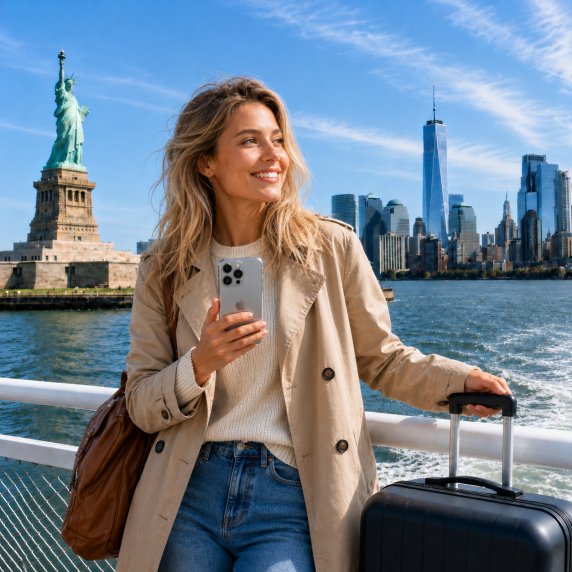
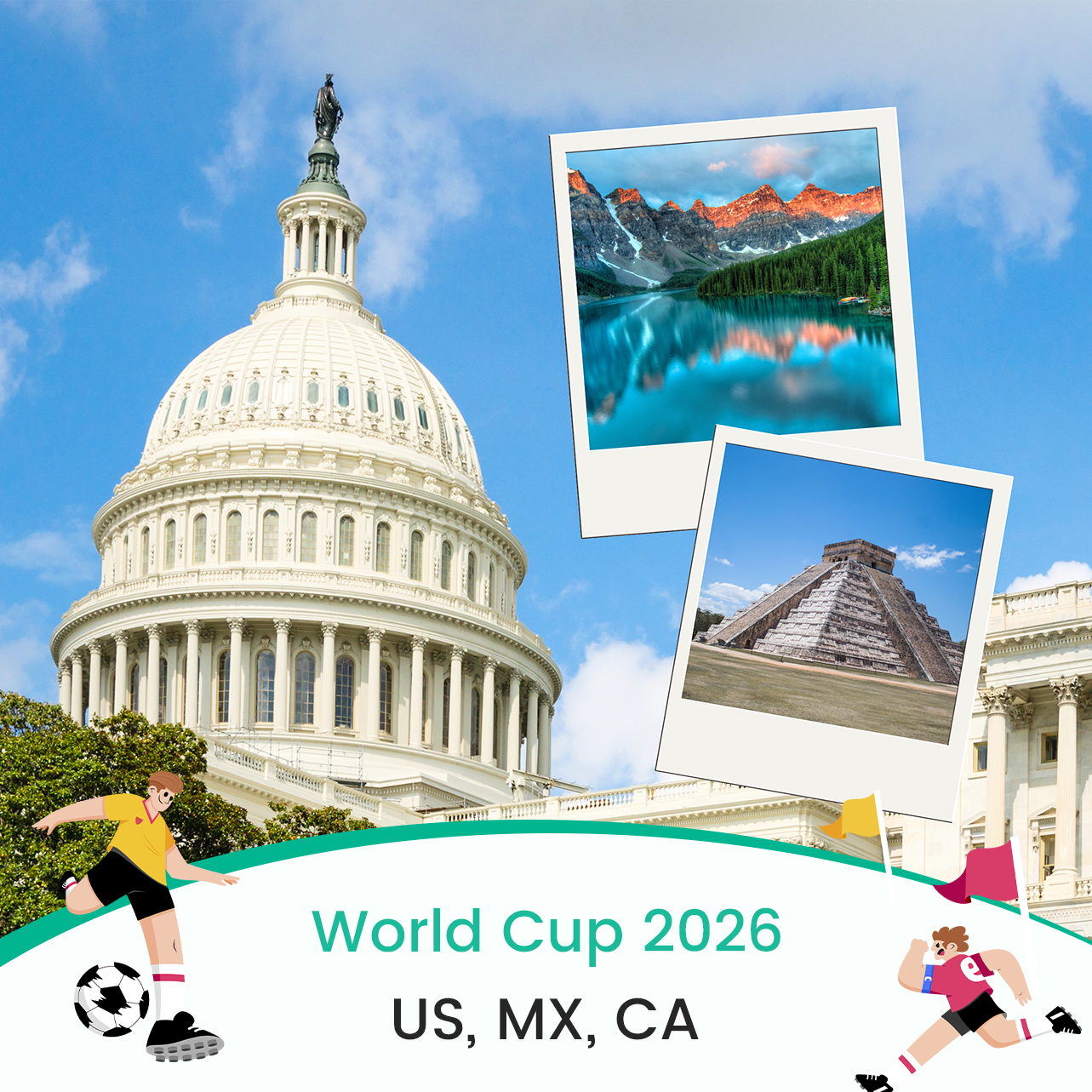
Planning a 7-day 2026 World Cup trip across the USA (and possibly Mexico or Canada)? The simplest way to stay connected throughout your journey is to use a North America eSIM with unlimited data, so you can handle navigation, tickets, stadium updates, and live sharing without worrying about roaming costs or unstable WiFi.

During the 2026 World Cup, you will likely face:

  • Overcrowded stadium networks
  • Frequent city-to-city travel
  • Heavy mobile data usage (maps, videos, live streaming)

A travel-optimized eSIM solves these issues by giving you instant activation, cross-border coverage, and stable high-speed data across the US, Mexico, and Canada.

In this guide, you’ll get a complete 7-day itinerary-based travel plan, plus a best eSIM recommendation to keep you connected every step of the way.

Why Staying Connected is Critical for the 2026 World Cup

The 2026 World Cup will be one of the most mobile-heavy travel experiences for football fans. Most travelers will not stay in a single city—you may move across New York, Los Angeles, Miami, Toronto, or even Mexico City within just a few days. To avoid disruptions, stable mobile internet is not optional—it is essential.

Stadium networks will be heavily congested

  • Tens of thousands of fans will connect at the same time
  • Uploading videos or livestreaming can become slow or fail
  • Even basic messaging apps may lag during peak moments
  • Public WiFi is often overloaded or restricted inside stadiums

Multi-city travel creates constant connectivity needs

  • Checking flight updates between match cities
  • Using Google Maps for stadium and hotel navigation
  • Booking rides (Uber / Lyft / local taxis) on the go
  • Managing digital tickets and QR code entry systems

Cross-border travel increases complexity

  • Some itineraries include US + Mexico + Canada
  • Traditional roaming charges can be extremely expensive
  • Switching physical SIM cards is inconvenient during travel
  • Different local SIMs may interrupt your connectivity experience

Heavy real-time content usage during matches

  • Posting highlights on Instagram or TikTok instantly
  • Watching replays or live stats during games
  • Video calling friends or sharing stadium moments
  • Using translation apps in multilingual environments

Key takeaway: The World Cup is not just a sports event—it is a high-data, real-time travel experience. Without stable internet, you risk missing tickets, transport updates, and live moments. This is why travelers increasingly rely on a dedicated travel eSIM with multi-country coverage.

7-Day USA World Cup Travel Itinerary (Match-Based Travel Flow)

This 7-day itinerary is designed for fans attending the 2026 World Cup across major US host cities. It focuses on real match-day behavior, travel movement, and daily connectivity needs, so you can understand exactly where mobile internet becomes critical.

Day 1–2: Arrival & First Match Setup

  • Arrive in a major US host city (e.g. New York, Los Angeles, or Miami)
  • Complete immigration and airport transfer using ride-hailing apps
  • Settle into hotel and immediately set up digital access: FIFA tickets (QR code verification), stadium entry information, travel apps (Google Maps, Uber, transit apps)

Connectivity needs: Airport navigation and transport booking, real-time flight and hotel updates, first-time activation of mobile data for the trip.

Day 2–3: First Match Experience & Stadium Day

  • Attend your first World Cup match
  • Arrive early for security checks and fan zone activities
  • Share live updates, videos, and photos during the event

Connectivity needs: Stadium entry QR scanning, social media posting (Instagram, TikTok, X), live updates and group communication.

Common issue: Stadium networks are often congested during kickoff time; upload speed can drop significantly during peak crowd usage.

Day 3–5: City Transfers & Fan Zones

  • Travel between cities (flight or high-speed rail depending on route)
  • Visit FIFA fan zones and public viewing areas
  • Explore local attractions between matches

Connectivity needs: Booking and rebooking transport on the move, navigation in unfamiliar cities, short-form video uploads and live sharing, translation apps for local communication.

Day 5–6: Cross-Border Travel (US / Mexico / Canada)

  • Some itineraries include crossing into Mexico or Canada
  • Attend matches or fan events in different countries
  • Adjust to different time zones and city infrastructures

Connectivity needs: Seamless roaming without SIM swapping, stable data for border crossing logistics, continuous access to tickets and travel documents.

Day 6–7: Final Match Days & Return Preparation

  • Attend final group-stage or knockout matches
  • Capture final highlights and share content in real time
  • Prepare for return flights or next destination

Connectivity needs: Airport check-in and boarding updates, last-minute travel changes, backup access to tickets and documents.

Key insight from the itinerary: Every day of the trip depends heavily on mobile internet. Usage spikes around stadium entry, city transfers, and cross-border movement. This creates a clear need for a stable, high-data, multi-country connectivity solution.

How to Stay Connected Across the Entire Trip

After mapping out the 7-day travel flow, the next question is simple: how do you actually stay online without interruption across multiple cities and countries? During the 2026 World Cup, connectivity is not just about “having data”—it’s about speed, stability, and seamless switching across regions.

Why traditional roaming is not ideal

  • International roaming fees can become extremely expensive over 7 days
  • Many carriers throttle speed after a small “fair usage” threshold
  • Switching between US, Mexico, and Canada plans creates interruptions
  • Roaming often does not prioritize high-traffic stadium environments

Why local SIM cards are inconvenient for World Cup travel

  • You may need different SIMs in different countries
  • SIM swapping wastes time during tight travel schedules
  • You risk losing access to your primary number (OTP / banking / tickets)
  • Activation often requires local ID or store visits

Why eSIM is the most practical solution

  • One-time installation before departure
  • No physical SIM swapping required
  • Instant activation via QR code
  • Works across multiple countries in North America

What matters most for 2026 World Cup travelers

  • Multi-country coverage (US + Mexico + Canada)
  • Unlimited or high-volume data (for streaming & social media)
  • Hotspot support (for sharing with travel companions)
  • Stable performance in crowded stadiums

Key takeaway: Your itinerary involves constant movement and high data usage. Connectivity failures can directly affect tickets, transport, and match experience. This is why travelers increasingly switch to North America travel eSIMs designed for continuous coverage.

Best eSIM for 2026 World Cup Travel (Recommended Solution)

Based on the travel pattern above—frequent city changes, stadium usage, and possible cross-border movement—the most suitable solution is a North America travel eSIM with unlimited data and seamless coverage across US, Mexico, and Canada. This type of eSIM is designed specifically for high-intensity travel scenarios like the World Cup.

Bytesim North America eSIM (US, MX & CA)

For this itinerary, Bytesim North America eSIM is a strong all-in-one option. It is designed for travelers who need continuous connectivity across multiple countries, stable data for live events and streaming, and simple setup before departure.

Key features for World Cup travelers:

  • Unlimited data usage: Ideal for livestreaming, uploads, and navigation. Reduces worry about running out of data mid-trip.
  • Coverage across US, Mexico, and Canada: No need to switch SIMs when crossing borders. Works for multi-city itineraries.
  • Instant QR activation: Install before departure. Activate once you land.
  • Hotspot support: Share connection with friends or travel companions. Useful for group stadium travel.

Why it fits this 7-day itinerary: Supports heavy usage during stadium match days, handles frequent travel between cities, keeps navigation, tickets, and social apps always online, and eliminates roaming complexity during cross-border travel.

ByteSIM North America eSIM
Unlimited data in USA/Mexico, 25GB Canada, hotspot support
Get North America eSIM →

eSIM Setup Guide for Travelers (Before Departure)

To make sure your 7-day World Cup trip runs smoothly, your eSIM should be fully installed and tested before you fly. This avoids last-minute airport stress and ensures you are connected immediately upon landing.

Step 1: Purchase & receive your eSIM QR code

  • Complete your purchase online before departure
  • You will receive a QR code via email or account page
  • Save it in multiple places: phone gallery, email backup, offline screenshot folder

Step 2: Install the eSIM on your phone

  • iPhone: Settings → Cellular → Add eSIM
  • Android: Settings → Network → SIM Manager → Add eSIM
  • Scan the QR code
  • Wait for the profile to download and install

Step 3: Configure your data settings

  • Set the eSIM as your primary data line
  • Keep your home SIM active for calls (optional)
  • Turn on Mobile data and Data roaming (for travel eSIM only)

Step 4: Activate upon arrival

  • Do not activate too early unless instructed
  • Turn on the eSIM once you land in the US
  • Restart your phone if network does not connect immediately

Step 5: Quick functionality test

  • Internet browsing works
  • Maps load correctly
  • Social apps (WhatsApp, Instagram) connect
  • Hotspot function (if needed) is working

Key takeaway: eSIM setup takes only a few minutes but is critical for a smooth travel experience. Pre-installation ensures you avoid airport SIM issues or connectivity delays. Once set up correctly, your phone becomes a fully connected travel tool across US, Mexico & Canada.

Pre-Departure Checklist for 2026 World Cup Travelers

Use this interactive checklist to make sure your trip is fully ready before departure. Click each item to mark as complete.

Connectivity Setup

Match Day Essentials

Travel Readiness

Key takeaway: If these items are ready, your 7-day World Cup trip will be fully connected and stress-free. A properly set up eSIM ensures you stay online from airport to stadium to cross-border travel.

© 2026 World Cup Travel Guide — 7-day itinerary and eSIM setup for seamless connectivity across North America.

发表评论

姓名
邮箱
评论