What should you do when your checked luggage doesn't arrive at baggage claim? Whether your bag is delayed, sent to the wrong airport, or missing, several tools can help you track it down. A Bluetooth tracker can provide location clues, while an airline's baggage tracking system helps you follow the official search process. Knowing how to use both—and how to stay connected with the airline while abroad—can make it easier to locate your luggage and arrange its return.
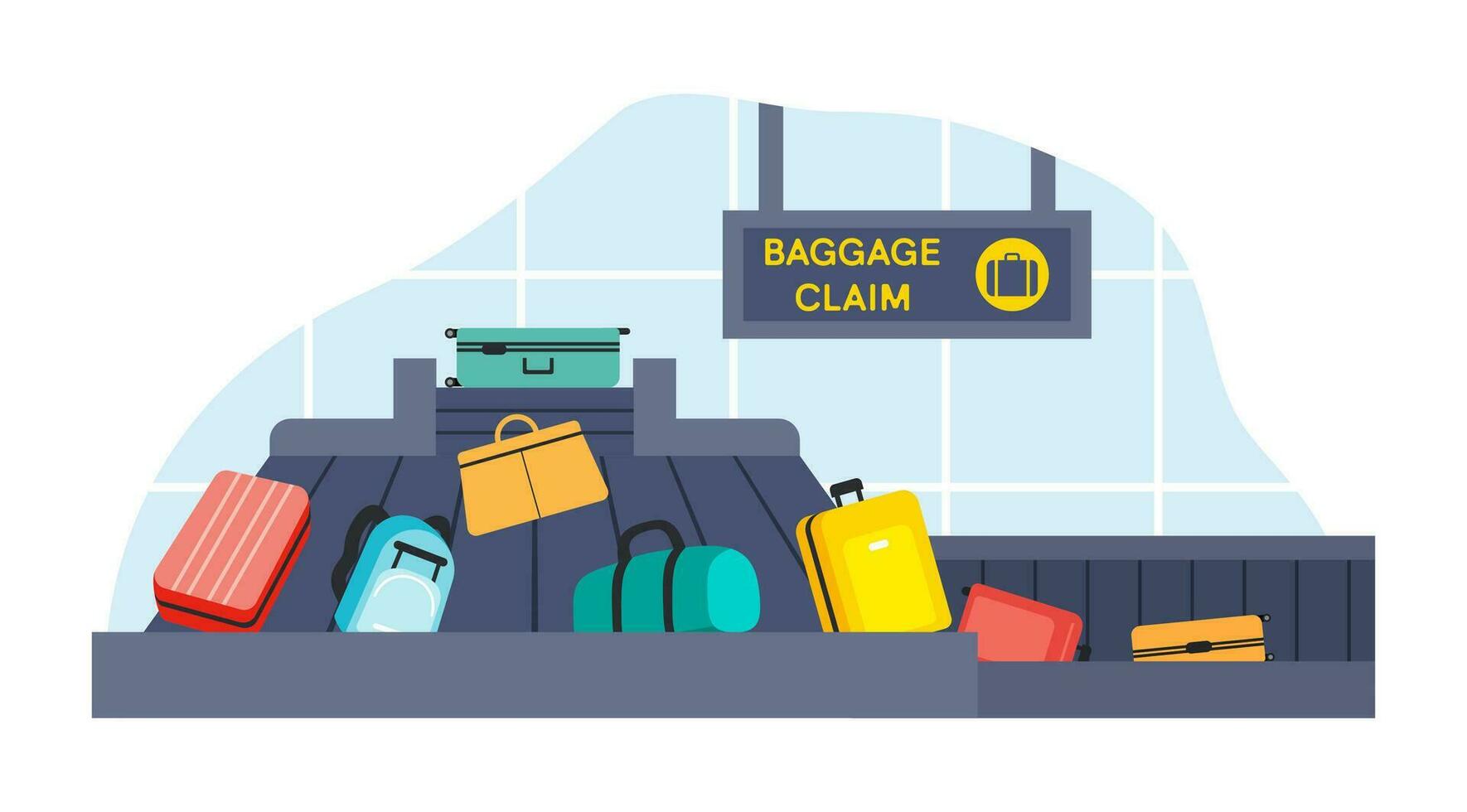
What to Do First When Your Luggage Doesn't Arrive
If your checked bag is missing from the baggage carousel, take these steps before leaving the airport.
1. Check the Baggage Area
Confirm your flight's assigned carousel and check nearby belts in case your luggage was unloaded elsewhere. Ask airport staff if bags from your flight are still being delivered.
2. Report the Missing Bag to the Airline
Visit the airline's baggage service desk before leaving the airport. Provide your baggage claim tag, flight details, and a description of your suitcase. Ask for a Property Irregularity Report (PIR) or the equivalent reference used by your airline.
3. Keep Your Reference Number and Documents
Save the baggage report number, boarding pass, baggage claim tag, and any confirmation emails. These details help you follow up with the airline and support any later claim.
4. Ask About the Next Steps
Confirm how to check your baggage status, whether the airline will deliver the bag to your accommodation, and how to report essential expenses caused by the delay.
Important: A missing bag is not necessarily permanently lost. It may have been delayed, misrouted, or left behind during a connection. File the report promptly and use the airline's official process alongside any personal tracking tools.
How to Track Your Luggage Using Different Methods
You can use a personal tracking device, the airline's baggage tracking system, or airport services to help locate missing luggage. Each method provides different information, so combining them can give you a clearer picture of where your bag might be.
1. Use a Bluetooth Tracker
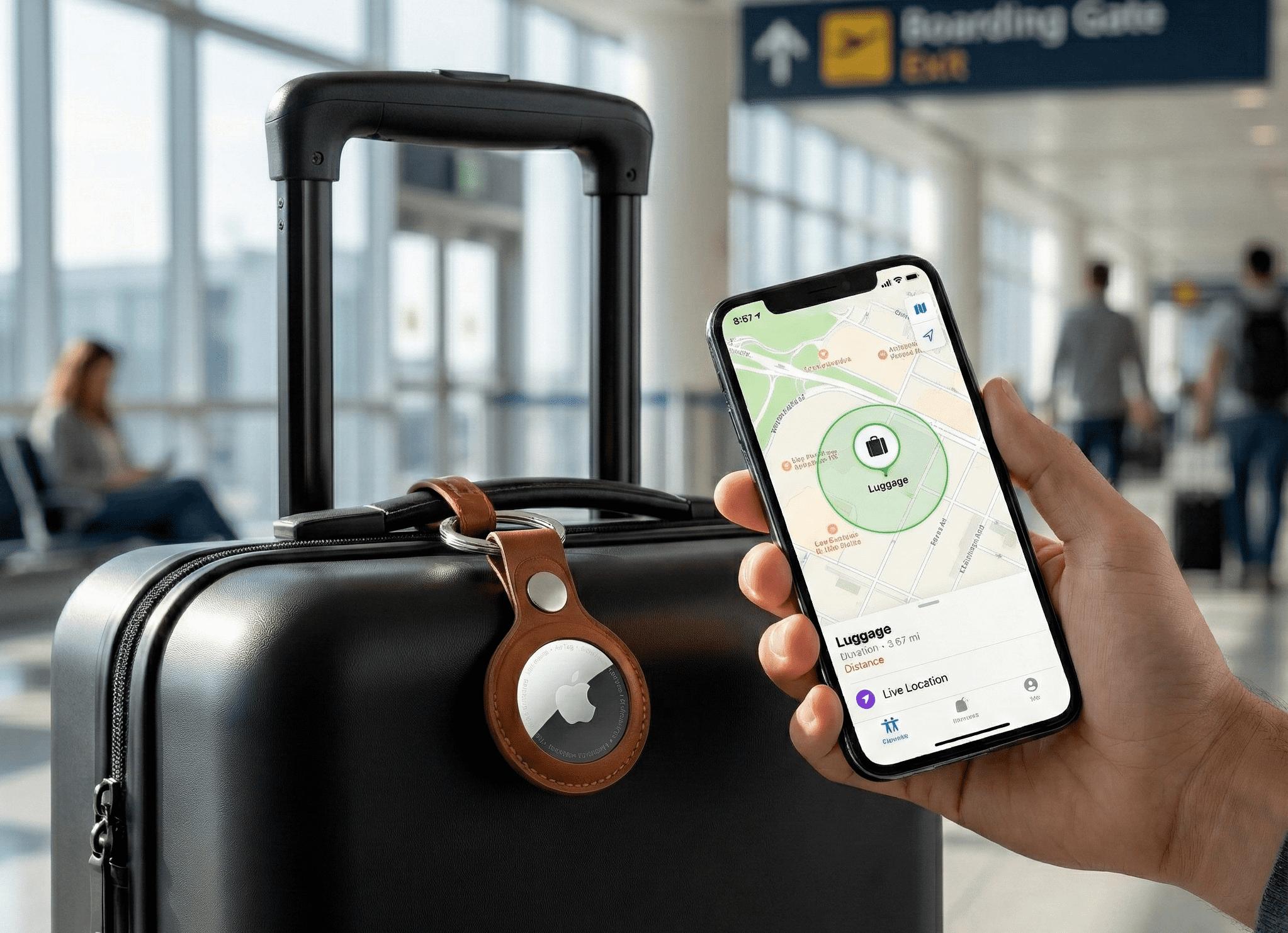
Devices such as Apple AirTag and Tile trackers can help you check your luggage's location through a compatible smartphone app.
- Check the current or last known location: Open the relevant tracking app to see where your tracker was last detected.
- Understand how updates work: Bluetooth trackers rely on nearby compatible devices to detect their signals and report location information. Updates may be delayed if no participating devices are nearby.
- Share useful location information: If the tracker shows your bag at another airport or baggage facility, provide that information to the airline to assist its search.
Note: Bluetooth trackers do not necessarily provide real-time GPS tracking. A location displayed on the map may show where the tracker was last detected, not where your luggage is now.
2. Check the Airline's Baggage Tracking System
Most airlines provide a way to follow up on delayed baggage after you submit a report. Depending on the airline, you may be able to check the status online using your reference number and surname.
- Visit the airline's official website or use its app to find the baggage tracking page.
- Enter the reference number from your missing baggage report.
- Check for status updates, requests for additional information, and delivery arrangements.
- Contact the airline's baggage team if the status has not changed or the estimated delivery time has passed.
Some airlines also support baggage tracking through systems such as WorldTracer, which participating airlines use to manage delayed and mishandled baggage reports. Availability and access depend on the airline.
3. Contact the Airport's Lost and Found
Airport Lost and Found services are generally more relevant when you have left a bag behind in a terminal, lounge, security area, or other public space. For checked baggage that never arrived, start with the airline's baggage service team. When contacting airport staff, provide your flight details, a description of the bag, and the location where you last saw it. If your tracker shows a possible location inside the airport, share that information, but ask staff to verify it before attempting to retrieve the bag yourself.
What to Do If Your Luggage Tracker Shows the Wrong Location
A Bluetooth tracker may show an outdated or unexpected location when your luggage is delayed. Before assuming your bag has been sent to the wrong airport, check how recently its location was updated.
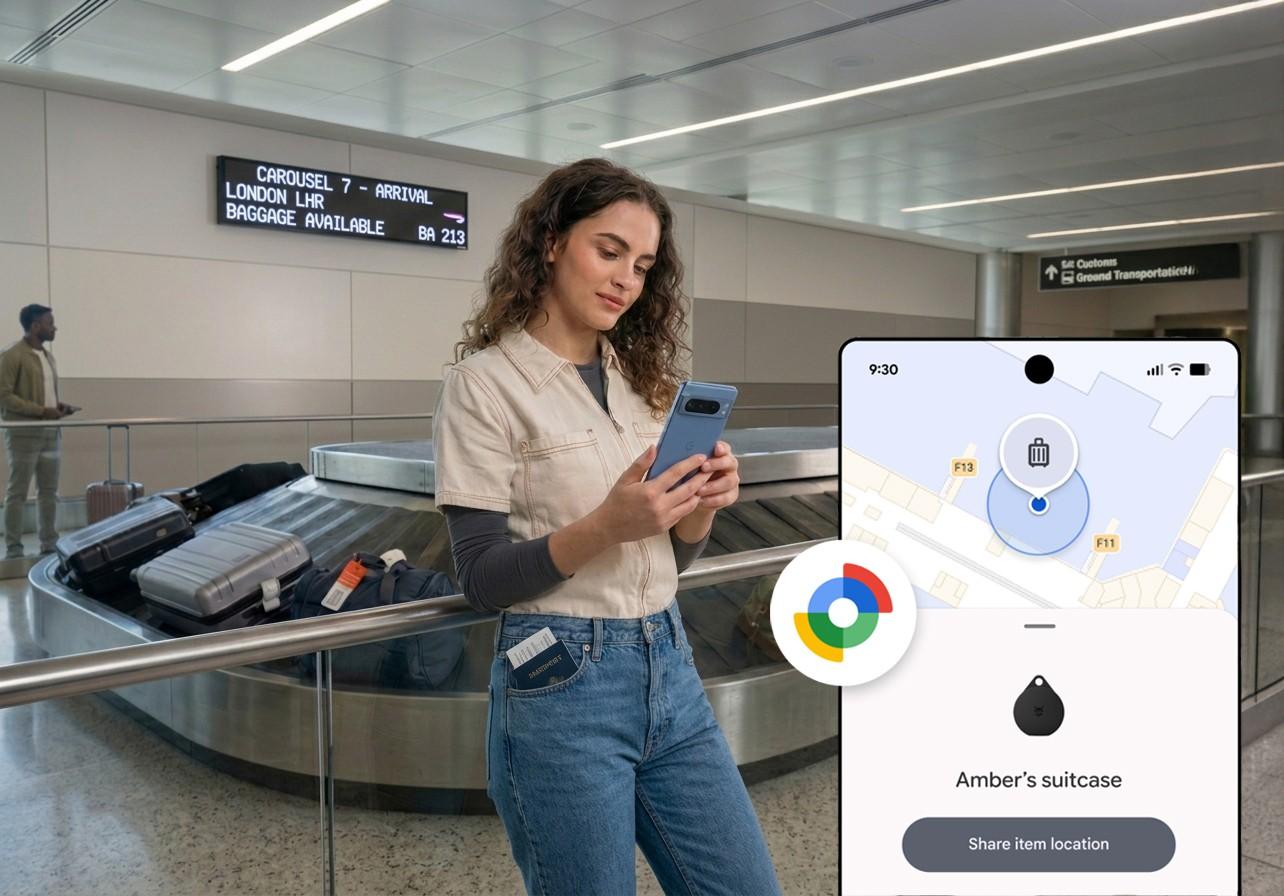
- Check the last update time. The map may show the last reported location rather than the tracker's current position. A recent timestamp generally provides more useful information than an older one.
- Look for new location updates. Refresh the tracking app and check again later. Bluetooth trackers depend on nearby compatible devices, so updates may be infrequent in areas with fewer participating devices.
- Consider whether the location makes sense. If the tracker shows your luggage at another airport or baggage facility, it may have been misrouted. However, the location alone cannot confirm that the bag is there now.
- Check the tracker's status and settings. Make sure the device has sufficient battery power, remains associated with your account, and is supported by the tracking network in your destination.
If the location remains unclear, share the latest available information with the airline's baggage team and ask them to investigate. Do not enter restricted airport areas or attempt to retrieve luggage from a location that has not been verified.
How to Get Your Luggage Back While Traveling Abroad
Once the airline locates your luggage, confirm how it will be returned and what you need to do if the delay has caused additional expenses.
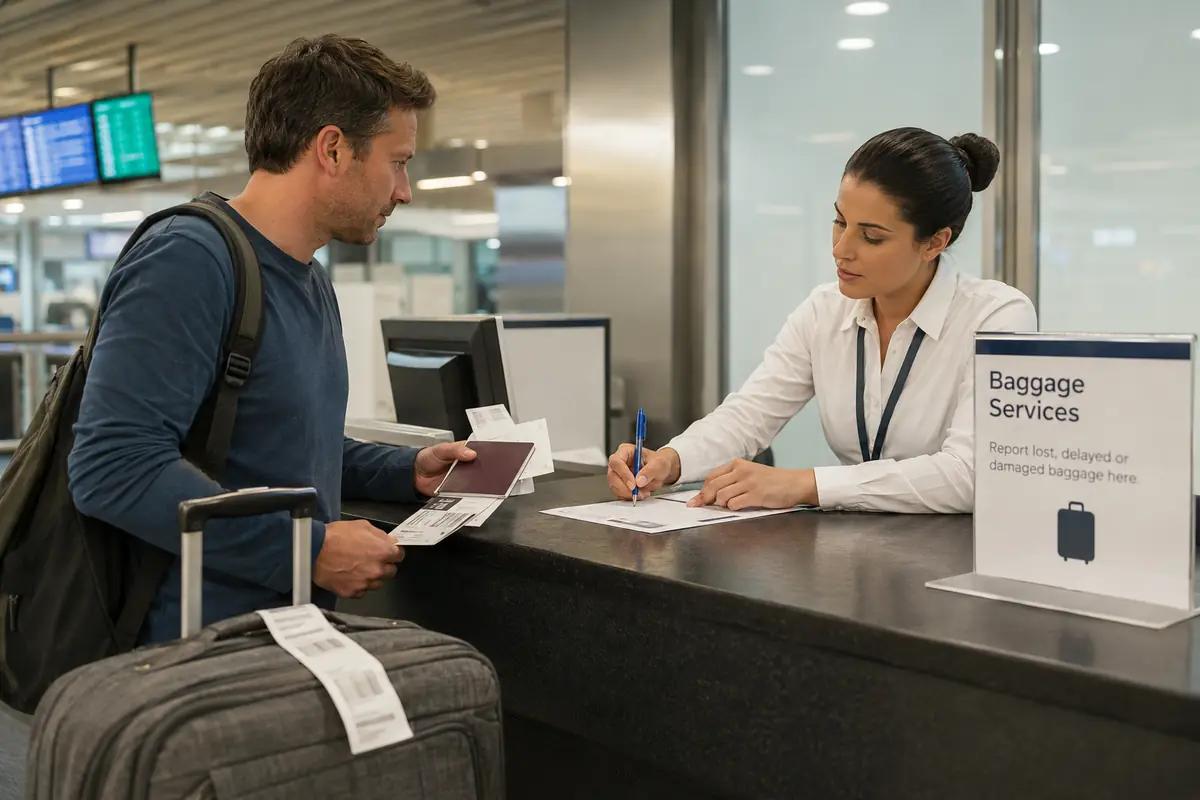
- Confirm the delivery arrangements. Ask whether the airline will deliver your bag to your hotel or another address, and provide accurate contact details. If you change accommodation, update the airline promptly.
- Keep receipts for essential purchases. If you need to buy clothing, toiletries, or other necessities while waiting, retain itemized receipts. Reimbursement depends on the airline's policy and the applicable passenger rights rules.
- Check the claim deadlines. Under the Montreal Convention, where applicable, written complaints for delayed baggage generally must be made within 21 days of the date the baggage is placed at your disposal. Different deadlines may apply to damaged or permanently lost baggage.
- Escalate if the bag remains missing. Follow up using your baggage report reference and ask the airline to explain its search status and claims process. If the airline declares the bag lost, request instructions for submitting a formal claim and supporting evidence.
Keep your baggage report, boarding pass, baggage tag, tracker screenshots, and correspondence together. Having these records readily available makes it easier to follow up with the airline and support a claim.
How to Stay Connected While Tracking Lost Luggage Abroad
When your luggage goes missing overseas, mobile data helps you check tracking updates, contact your airline, and receive delivery notifications without relying on public Wi-Fi.
A travel eSIM can provide mobile data in your destination country, making it easier to:
- Check tracking apps: Open your Bluetooth tracker's app to view available location updates.
- Contact the airline: Access baggage claim portals, send messages, or call customer service through supported internet-based services.
- Manage delivery arrangements: Check emails, respond to airline requests, and share your current accommodation address.
A travel eSIM like ByteSIM can help you stay connected while handling a baggage issue abroad. With mobile data available on your phone, you can check tracker updates, access your airline's baggage claim portal, and receive delivery notifications without depending on public Wi-Fi. Before your trip, choose a ByteSIM plan that covers your destination and offers enough data for your travel needs.
Before departure: Check whether your phone supports eSIM and review your plan's activation instructions.
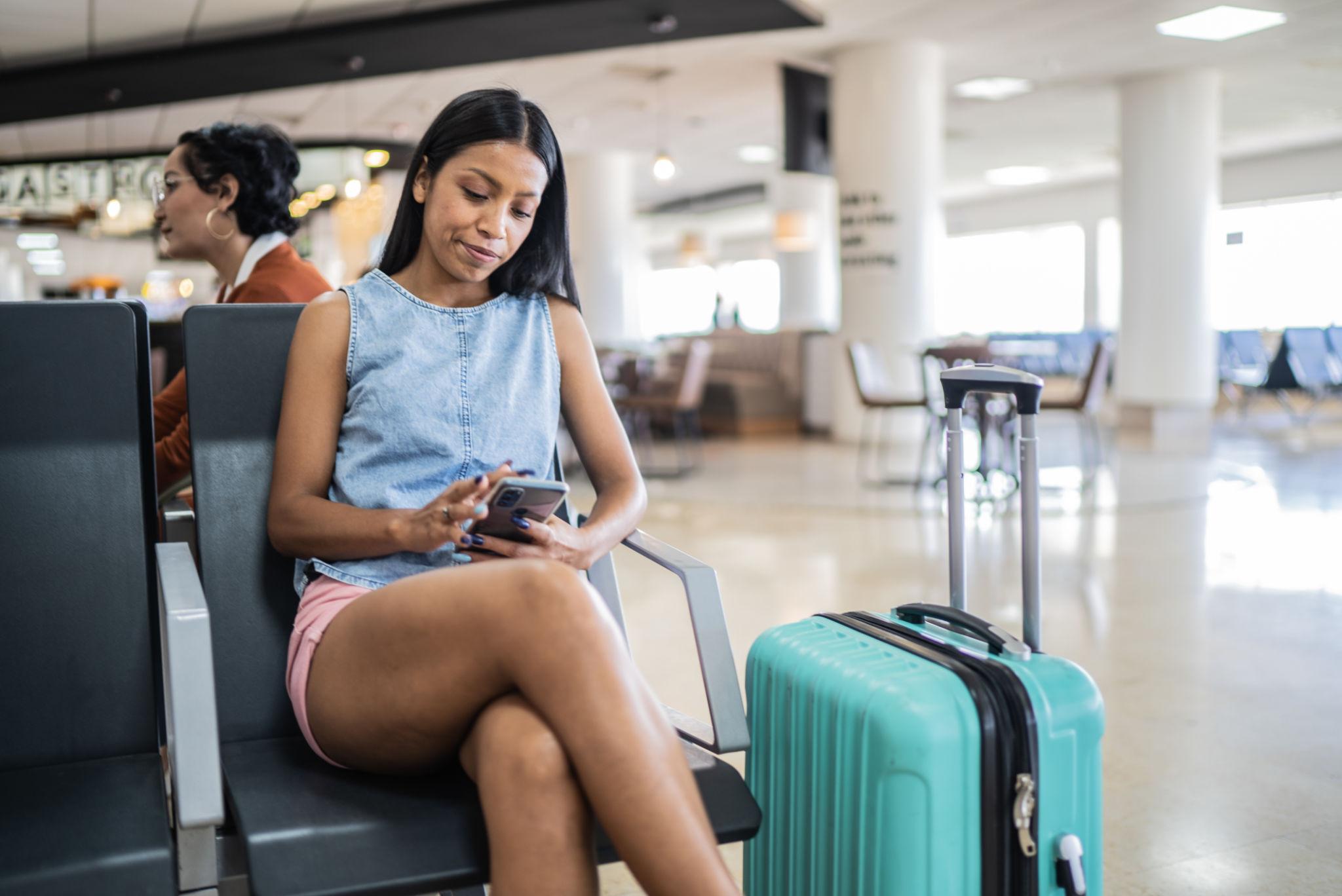
Traveling abroad? Stay connected.
A ByteSIM travel eSIM lets you check tracking updates, contact your airline, and manage delivery arrangements without relying on public Wi-Fi.
Explore ByteSIM eSIM →How to Prevent Luggage Tracking Problems on Your Next Trip
A few preparations before departure can make it easier to locate your luggage and resolve baggage issues while traveling.
- Set up your tracker in advance. Pair it with your phone, confirm it appears in the tracking app, and check its battery status before packing it.
- Check device compatibility. Make sure your phone supports the tracker's features. Some tracking functions depend on a specific operating system or device ecosystem.
- Pack the tracker securely. Place it inside your suitcase or in a secure pocket where it is less likely to fall out. Follow airline rules for any tracker containing a battery.
- Label your luggage. Include your name and a reliable contact method on an external luggage tag. Keep a photo of your suitcase and baggage claim tag on your phone.
- Save important travel documents. Keep your flight details, baggage tag information, and airline contact details accessible even if your checked luggage is delayed.
- Prepare mobile connectivity. If you plan to use a travel eSIM, confirm device compatibility, destination coverage, and activation requirements before departure so you can access online tracking tools and contact the airline when needed.
FAQ
Can an airline track luggage without a Bluetooth tracker?
Yes. Airlines use baggage handling systems and tracing procedures to locate delayed or misrouted bags. A personal Bluetooth tracker can provide additional location clues, but it is not required to file a baggage report.
Can I track checked luggage during a connecting flight?
Sometimes. An airline's baggage tracking system may provide status updates during transit, while a Bluetooth tracker may show a location detected by nearby devices. Updates are not guaranteed at every airport or during every transfer.
What should I do if my luggage is marked as delivered but hasn't arrived?
Contact the airline or its baggage delivery partner to confirm the delivery status and address. Check with your hotel reception or accommodation staff if applicable, and keep a record of any delivery notifications or reference numbers.
Does travel insurance cover lost or delayed luggage?
Many travel insurance policies include baggage loss or delay benefits, but coverage limits, waiting periods, exclusions, and documentation requirements vary. Review your policy and keep your baggage report, receipts for essential purchases, and airline correspondence to support a claim.
© Lost Luggage Guide — Track, report, and stay connected abroad.