• English
  • Español
  • Français
  • 日本語
  • 한국인
  • 中文(简体)
  • 中文(繁體)
  • 中國(USD $)
  • 丹麥(USD $)
  • 日本(USD $)
  • 比利時(USD $)
  • 加拿大(USD $)
  • 台灣(USD $)
  • 白俄羅斯(USD $)
  • 立陶宛(USD $)
  • 冰島(USD $)
  • 列支敦士登(USD $)
  • 匈牙利(USD $)
  • 安道爾(USD $)
  • 西班牙(USD $)
  • 克羅地亞(USD $)
  • 希臘(USD $)
  • 拉脫維亞(USD $)
  • 法國(USD $)
  • 法羅群島(USD $)
  • 波斯尼亞和黑塞哥維那(USD $)
  • 波蘭(USD $)
  • 直布羅陀(USD $)
  • 芬蘭(USD $)
  • 阿爾巴尼亞(USD $)
  • 俄羅斯(USD $)
  • 保加利亞(USD $)
  • 美國(USD $)
  • 英國(USD $)
  • 香港特別行政區(USD $)
  • 挪威(USD $)
  • 格恩西島(USD $)
  • 烏克蘭(USD $)
  • 馬耳他(USD $)
  • 馬其頓(USD $)
  • 捷克共和國(USD $)
  • 曼島(USD $)
  • 梵蒂岡(USD $)
  • 荷蘭(USD $)
  • 斯瓦爾巴和揚馬廷(USD $)
  • 斯洛文尼亞(USD $)
  • 斯洛伐克(USD $)
  • 黑山(USD $)
  • 塞浦路斯(USD $)
  • 塞爾維亞(USD $)
  • 奧地利(USD $)
  • 奧蘭群島(USD $)
  • 意大利(USD $)
  • 愛沙尼亞(USD $)
  • 愛爾蘭(USD $)
  • 新加坡(USD $)
  • 瑞士(USD $)
  • 瑞典(USD $)
  • 聖馬力諾(USD $)
  • 葡萄牙(USD $)
  • 德國(USD $)
  • 摩納哥(USD $)
  • 摩爾多瓦(USD $)
  • 澤西島(USD $)
  • 澳大利亞(USD $)
  • 澳門特別行政區(USD $)
  • 盧森堡(USD $)
  • 羅馬尼亞(USD $)

未找到相關貨幣

關閉

/ /

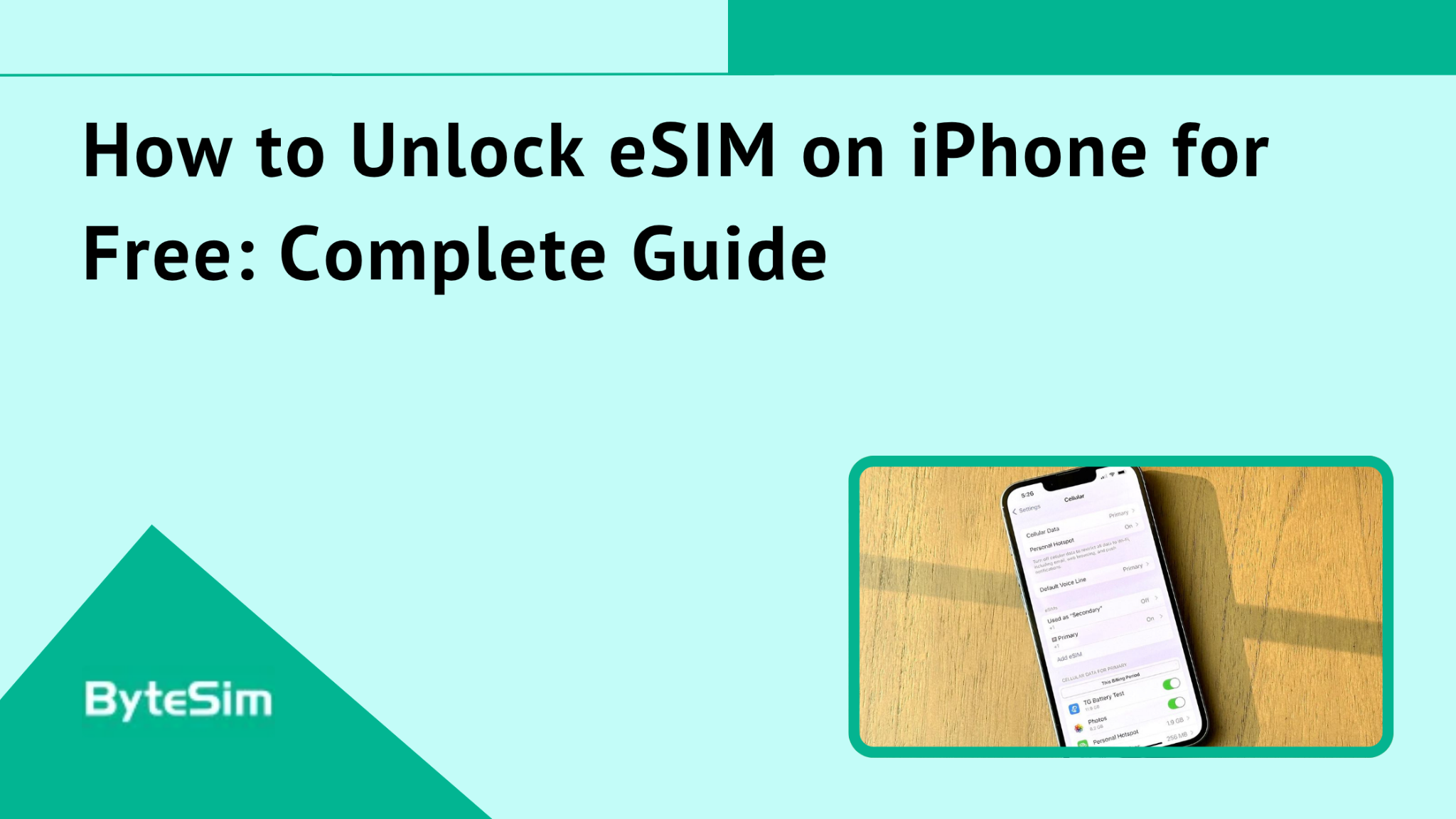
How to Unlock eSIM on iPhone for Free: Complete Guide

Apr 29,2026 | Nico

Unlocking your iPhone's eSIM opens up a world of flexibility. You can use multiple carriers, switch between plans, and access travel eSIM services like ByteSIM without being tied to one provider.

eSIM technology has become essential for international travelers. No more hunting for SIM card vendors in foreign airports. No more expensive roaming bills. Just scan a QR code and you're connected.


What Does It Mean to Unlock an eSIM on iPhone?

Here's where people get confused. You're not actually unlocking the eSIM itself. You're unlocking the device.

Your iPhone comes either locked to a specific carrier or unlocked from the factory. A locked iPhone can only use services from the carrier it's tied to. An unlocked iPhone works with any compatible carrier worldwide.

The eSIM is just the technology. It's a digital SIM embedded in your phone. But if your phone is carrier-locked, that digital SIM can only connect to your locked carrier's network. Doesn't matter that it's not a physical card. The restriction lives in the device software.

Think of it this way. A locked iPhone is like having a car that only accepts gas from one specific station. The tank works fine. But you can only fill it at that one place. Unlocking removes that restriction.

Why Carrier-Locked iPhones Restrict eSIM Usage

Carrier-locked iPhones can only use eSIMs from the same carrier they're locked to. This is frustrating. Especially for travelers.

Say your iPhone is locked to AT&T. You can add an AT&T eSIM plan. But you can't add a ByteSIM travel plan. You can't add a local carrier's eSIM when you land in Tokyo. The device simply won't accept it.

Even though eSIM is completely digital, the device lock still applies. Carriers implemented this to keep customers tied to their network. Makes business sense for them. Makes no sense for you.

This limitation hits travelers hardest. You're stuck paying whatever roaming rates your carrier charges. Or you're carrying around a second phone. Neither option is great

Why You Should Unlock Your iPhone for eSIM

Unlocking your iPhone delivers real benefits. Especially if you travel internationally or want flexibility in your carrier choices. Here's what you gain.

Freedom to Switch Carriers

An unlocked iPhone lets you choose from any eSIM provider globally. Not just whoever your phone came locked to.

This means you can compare plans. Shop around. Find the best deal for your situation. You're not stuck paying whatever one carrier decides to charge because they know you have no other option.

Competition works in your favor when you can actually participate in it.

Cost-Effective International Travel

This is the big one. International roaming charges are brutal. I've seen people come home to $300+ phone bills from a week-long trip.

With an unlocked iPhone, you can purchase affordable local or regional eSIM plans like ByteSIM before you even board your flight. Prices are typically a fraction of what carriers charge for roaming.

And activation is instant once you arrive. No wandering around an unfamiliar airport looking for a SIM card vendor. No language barriers trying to explain what you need. No waiting in line. You're connected the moment you turn off airplane mode.

Use Multiple eSIM Plans Simultaneously

Modern iPhones support dual SIM functionality. You can have your regular carrier active while also using a travel data plan.

Keep your home number working for calls and texts. Use ByteSIM for data. Your friends and family can still reach you at your normal number while you're paying local rates for internet access.

You can also separate work and personal lines this way. Different numbers, same phone.

Here's something people don't realize. iPhones can store 8 or more eSIM profiles. You can't use them all simultaneously, but you can switch between them easily. 

Instant Activation and Convenience

Physical SIMs require shipping. Or store visits. Or hoping the airport kiosk has your size.

eSIMs just work. ByteSIM sends a QR code to your email instantly after purchase. Scan it. Done. You can set this up while sitting on your couch two days before your trip.

Or set it up at 35,000 feet using airplane WiFi. Or in the taxi from the airport. Whenever works for you.


How to Check if Your iPhone is Locked or Unlocked

Before you go through the unlock process, check whether you actually need to. Some iPhones come unlocked from the start. Others get unlocked automatically after certain conditions are met.

Here's how to find out.

Method 1: Check iPhone Settings

This is the easiest way. Takes about 10 seconds.

  1. Open Settings
  2. Tap General
  3. Tap About
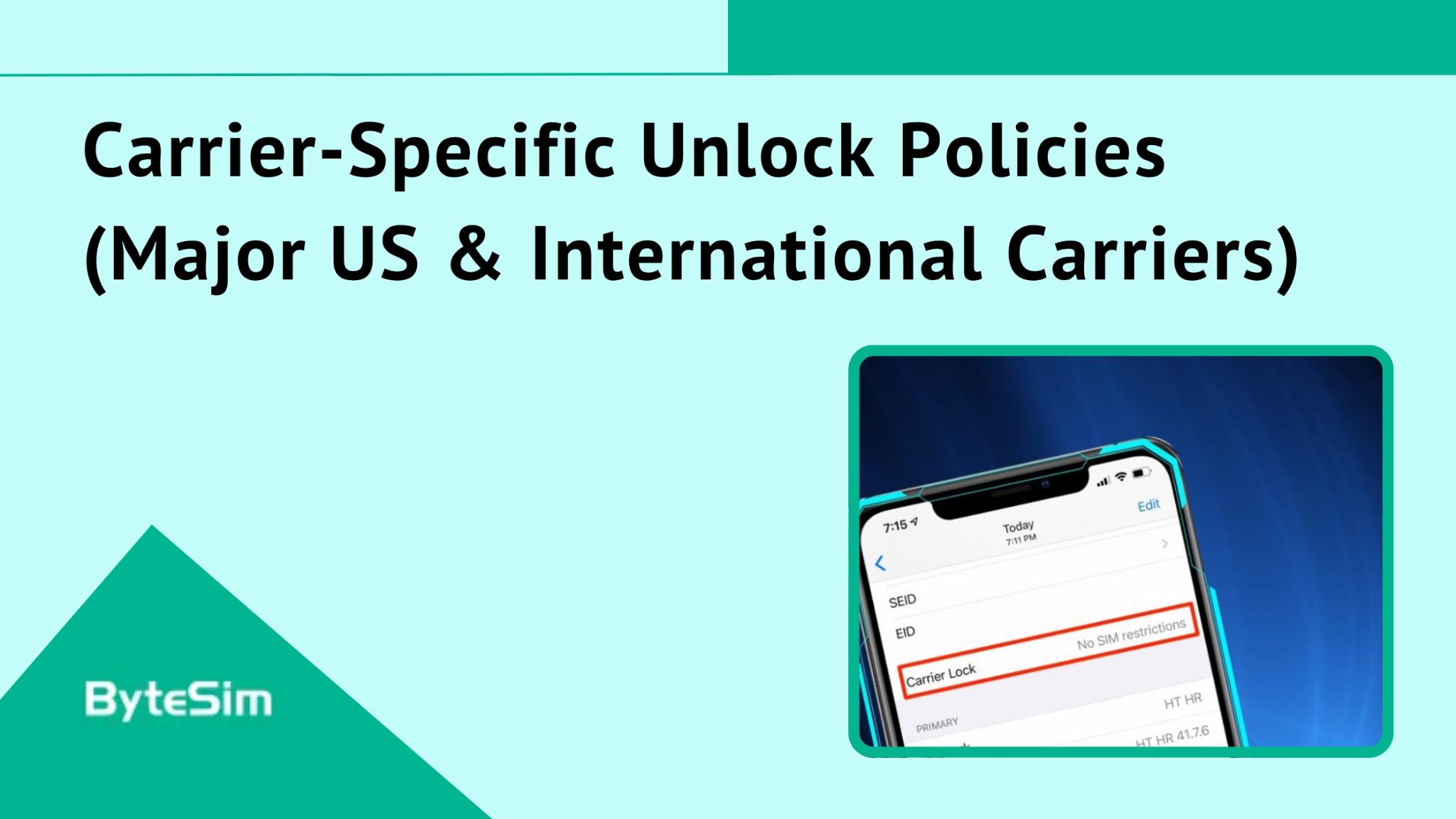
  4. Scroll down to Carrier Lock (might be called "Network Provider Lock" in some regions)

If it says "No SIM restrictions" — your phone is unlocked. You're good to go.

If it shows a carrier name or says "SIM locked" — your phone is locked to that carrier.

Method 2: Insert a Different SIM Card (If Available)

This only works for iPhones with physical SIM trays. Won't help with iPhone 14 US models since they're eSIM only.

Borrow a physical SIM from someone on a different carrier. Pop out your SIM tray and insert theirs. Try making a call or sending a text.

If it works — phone is unlocked.

If you get an error message about the SIM not being supported — phone is locked.

Simple but requires having access to another carrier's SIM.

Method 3: Contact Your Carrier

Your carrier can tell you definitively whether your phone is locked and whether you're eligible for unlocking.

They'll need your IMEI number. Find it by:

  • Dialing *#06# on your phone
  • Or going to Settings > General > About and scrolling to IMEI

Call customer support and ask about your device lock status. They can confirm whether you're locked, and if so, what you need to do to unlock.


Carrier-Specific Unlock Policies (Major US & International Carriers)

Every carrier does things slightly differently. Here's what the major players require.

AT&T Unlock Requirements

  • Device must be paid in full
  • Account in good standing with no past-due balance
  • Active for at least 60 days
  • Not reported lost or stolen

Military personnel can get expedited unlocks with deployment documentation.

How to request: Visit att.com/deviceunlock and submit the online form.

Verizon Unlock Requirements

Verizon is actually pretty reasonable about this.

  • Postpaid devices: Automatically unlocked 60 days after activation
  • Prepaid devices: Unlocked after 60 days of service

Most Verizon phones unlock automatically once the waiting period passes. You might not need to request anything. Just check your status after 60 days.

T-Mobile Unlock Requirements

  • Postpaid: Device paid off, active for 40 days, account in good standing
  • Prepaid: Active for 365 days OR $100+ in refills

T-Mobile's prepaid requirements are stricter than postpaid. Kind of backwards, but that's how they do it.

How to request: Through the T-Mobile app or by calling customer service.

International Carrier Policies

International carriers vary widely. Some are consumer-friendly. Others make you jump through hoops.

Generally, you'll need:

  • Contract completion
  • Full device payment
  • Account in good standing

EU regulations tend to favor consumer unlock rights. Carriers in European countries often have shorter waiting periods or lower barriers.

Always check with your specific carrier. Don't assume policies based on what you've read about US carriers.


What If You Don't Meet Unlock Requirements?

Sometimes you need to travel before you're eligible for a free unlock. Here are your options.

Option 1: Pay Off Remaining Device Balance

This is the fastest legitimate path if you're still making payments.

Contact your carrier and ask for your device payoff amount. Pay the remaining balance in full. Once payment clears, request an immediate unlock.

Yes, it costs money. But you're paying off your own phone, not paying for the unlock. And you'll have to pay it eventually anyway.

Option 2: Check for Temporary Travel Unlock

Some carriers offer temporary unlocks specifically for international travel.

These typically last 30-60 days. You'll need to contact your carrier, explain your travel needs, and possibly provide proof of travel dates.

After the temporary period ends, your phone returns to locked status unless you've since qualified for permanent unlock.

Not all carriers offer this. Worth asking.

Option 3: Wait Until Eligibility Requirements Are Met

If you're close to meeting requirements anyway, waiting might make the most sense.

Mark your calendar for your eligibility date. Submit your unlock request the moment you qualify. Plan future travel around this timeline if possible.

Not ideal. But sometimes it's the only free option.

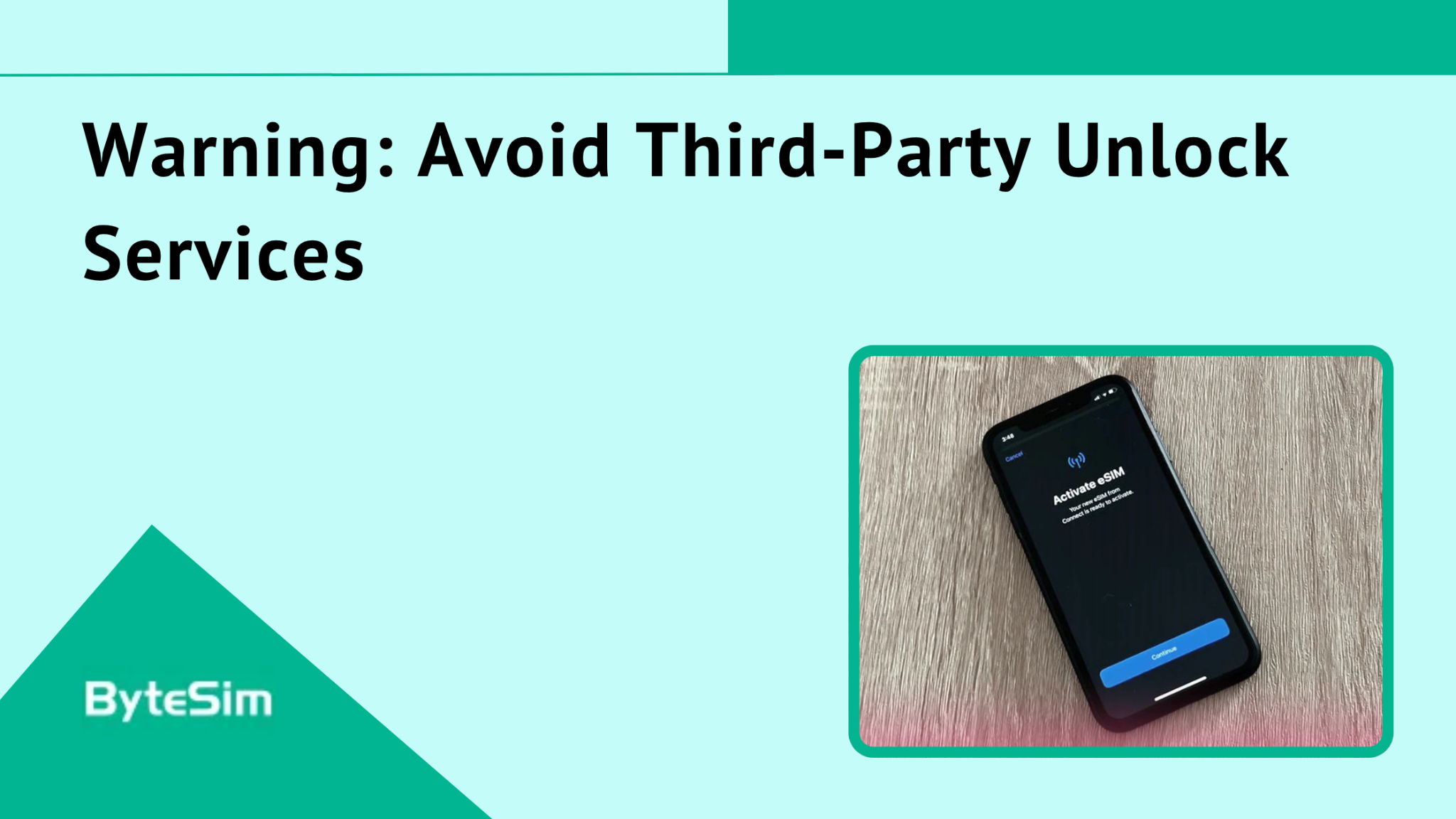
Warning: Avoid Third-Party Unlock Services

This is important. Read this part.

Those websites and services promising to unlock your phone for $30, $50, $150? Most are scams. The legitimate ones are just middlemen charging you for something that should be free.

Risks include:

  • Losing your money. Many simply take payment and disappear.
  • Compromised security. Some require account access or install sketchy software.
  • Voided warranty. Unauthorized modifications can void your Apple warranty.
  • Device damage. Some methods can brick your phone or get it blacklisted.
  • Identity theft. You're handing over personal information to unknown parties.

Only your carrier can legitimately unlock your device. Apple cannot unlock your iPhone. Only the carrier it's locked to has that ability.

Anyone telling you otherwise is either scamming you or using methods that could seriously damage your device.


Is unlocking my iPhone for eSIM really free?

Yes. If you go through your carrier and meet their eligibility requirements, unlocking is free.

Carriers are required to unlock devices for eligible customers at no charge. This isn't them being generous. It's policy (and in some cases, regulation).

Third-party services charge fees for something you can get for free. Skip them.

Will unlocking my iPhone void my warranty?

No. Carrier unlocking is a standard, supported process. Apple expects it to happen. Your warranty remains intact.

What CAN void your warranty: jailbreaking, hardware tampering, unauthorized software modifications. Legitimate carrier unlocking is none of those things.

Can I unlock my iPhone myself without contacting the carrier?

No. There is no DIY method. No secret setting. No code you can enter.

Only your carrier can unlock your iPhone. Apple cannot do it. There's no app that does it. There's no website that does it legitimately.

Anyone claiming they can unlock your phone without carrier involvement is attempting to scam you or using methods that could damage your device.

You must go through your carrier. That's the only way.

Can I use both my regular carrier and ByteSIM at the same time?

Yes. This is exactly what dual SIM functionality is for.

Keep your home carrier active on your physical SIM or primary eSIM. Add ByteSIM as your secondary eSIM for travel data.

In Settings, you can choose which line handles calls, which handles texts, and which handles data. Switch as needed.

Perfect setup: home carrier for calls and texts (so people can reach you at your regular number), ByteSIM for affordable travel data.

Do I need to unlock my iPhone if I'm just traveling temporarily?

Yes. If you want to use eSIM plans from any provider other than your current carrier.

Without unlocking, your only options are your home carrier's roaming plans. Which are typically expensive.

Even for short trips, the cost savings from using a travel eSIM like ByteSIM make unlocking worthwhile. A week of international roaming from a major US carrier can cost more than several months of ByteSIM data plans.

Can I use ByteSIM if my iPhone is locked?

Only if your iPhone happens to be locked to a carrier that ByteSIM partners with directly. Which is unlikely.

In most cases, no. You need an unlocked iPhone to use ByteSIM.

Check your lock status in Settings first. If you're locked, follow this guide to unlock for free through your carrier.

發表評論

姓名
郵件
評論